Tag Archives: black superglue

Using Charcoal Powder and Black Super Glue to Repair a Bite Through on a Nylon Stem


Blog by Steve Laug

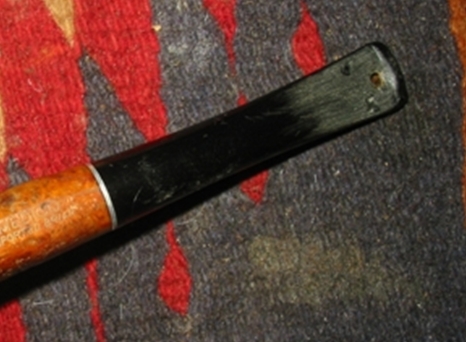
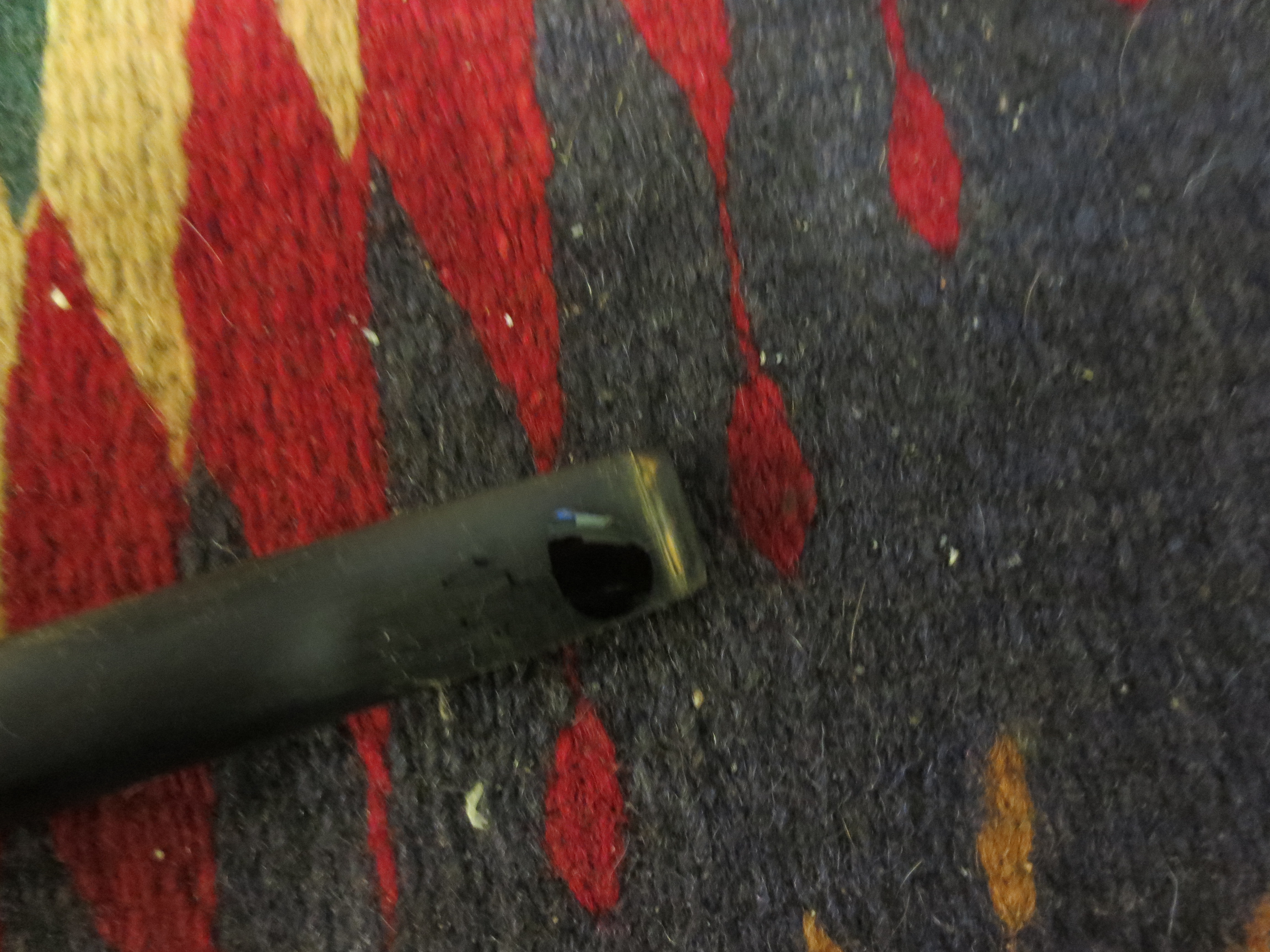
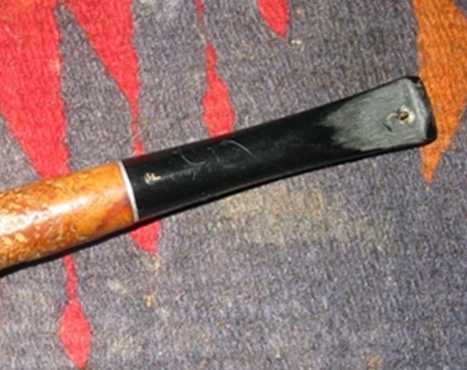
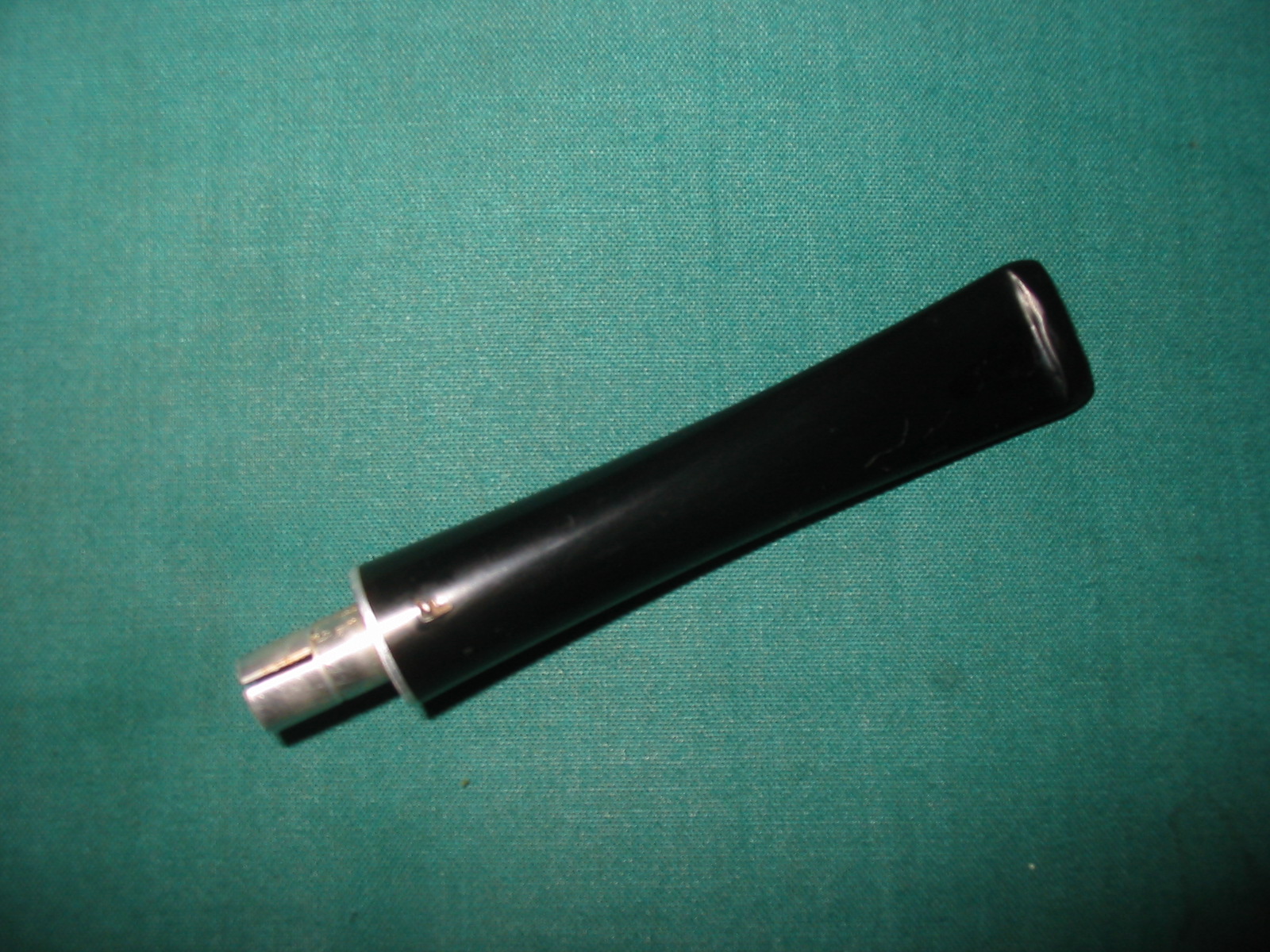
With all of the blog posts recently on repairing stems I decided to do a little work on one I had here. I wanted to use a black superglue and carbon mixture to see what I could do with this seriously damaged stem. It was a Medico pipe stem bearing the stamping F. The F stamping is a Medico brand mark but this stem was a different diameter than the shank of the pipe that it had come attached to so I replaced the stem on that pipe. I was left with this one and almost threw it away because the hole was large and on both sides of the stem. That combined with the fact that the stem was nylon would make it less desirable to repair for me. There were also deep tooth marks all around the holes. But I figured it was a perfect stem to do experiments on so went ahead with the repairs. I sanded the stem with 220 grit sandpaper to highlight the tooth marks and the holes. The button itself had dents in it as well and the crease had been flattened.
IMG_6982

IMG_6983
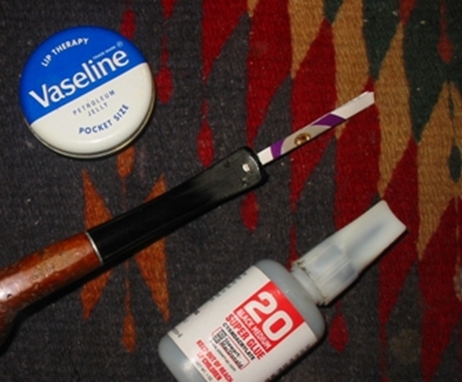
I cleaned out the debris from the hole with a dental pick (rather than the Dremel and bur that Joyal uses) and sanded around the edges of the hole with 220 grit sandpaper. I removed all of the loose or damaged material from the hole so that the edges were solid. I sanded them to roughen the edges slightly to provide a surface for the glue to bond to. I used a cotton pad and alcohol to clean out the dust from sanding and picking. I cut a piece of cardboard the same shape as the slot in the stem and greased it with Vaseline. I slipped it into the slot. I made sure that the Vaseline did not ooze out into the hole on either side.
IMG_6984

IMG_6985
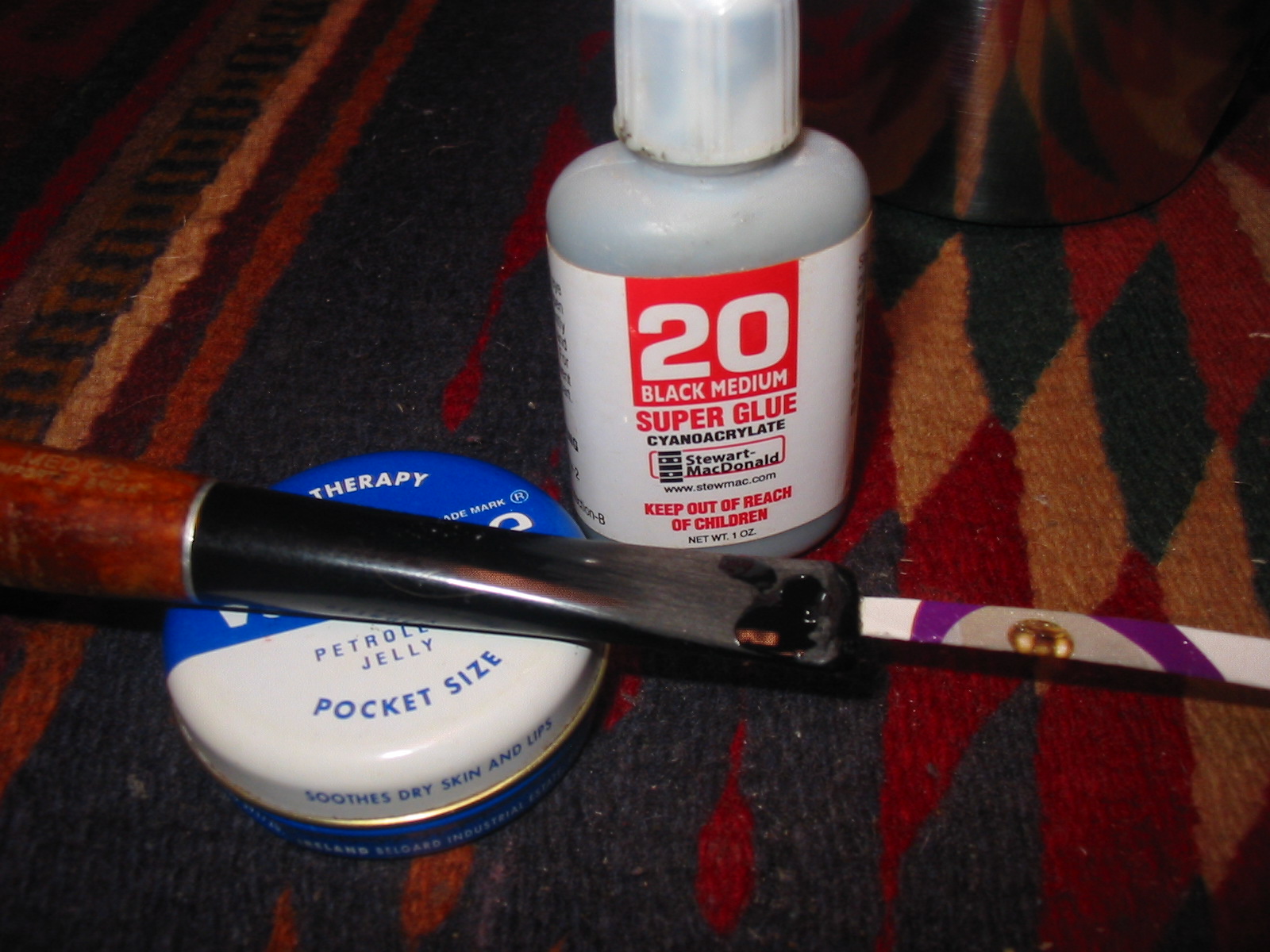
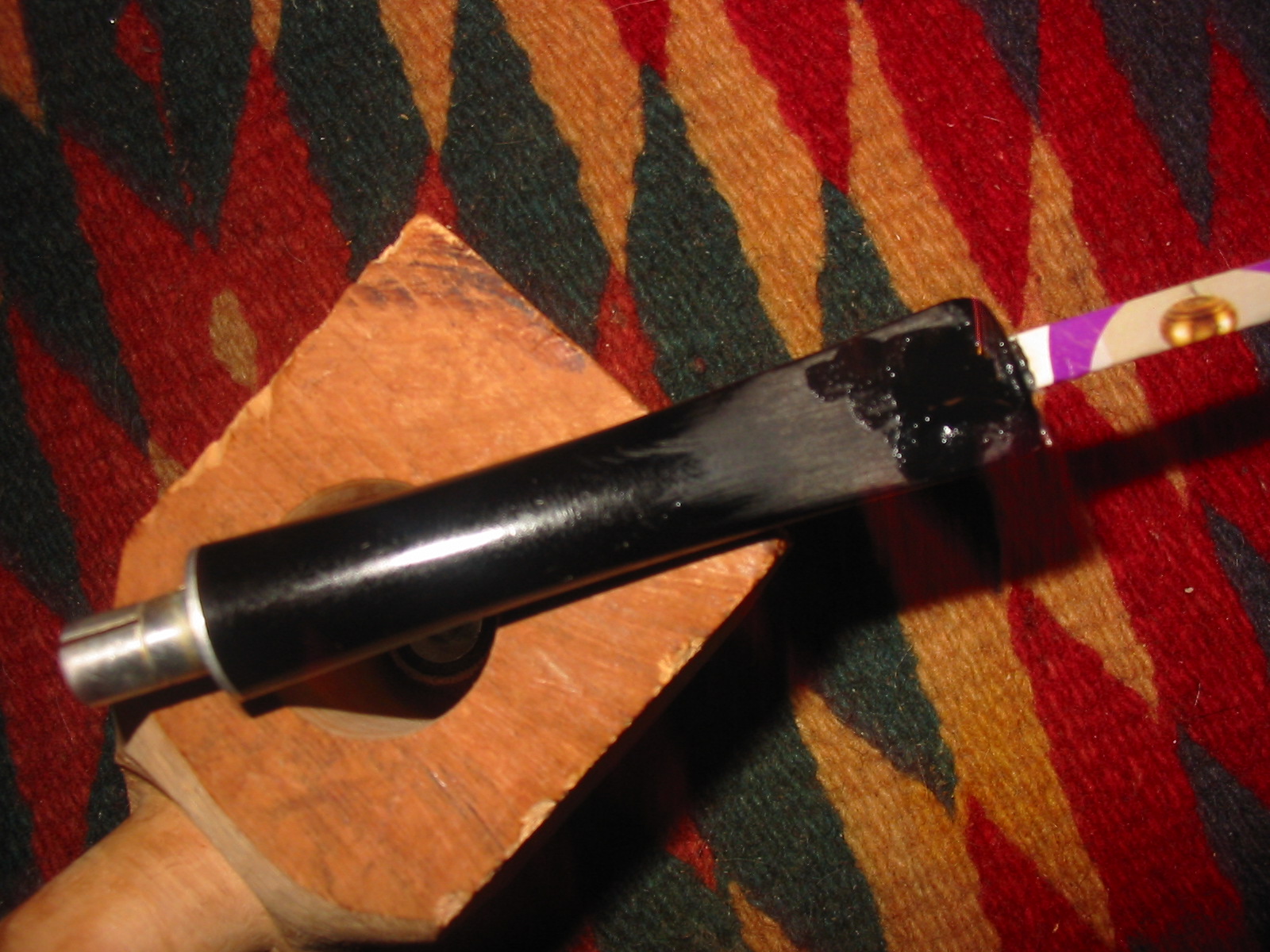
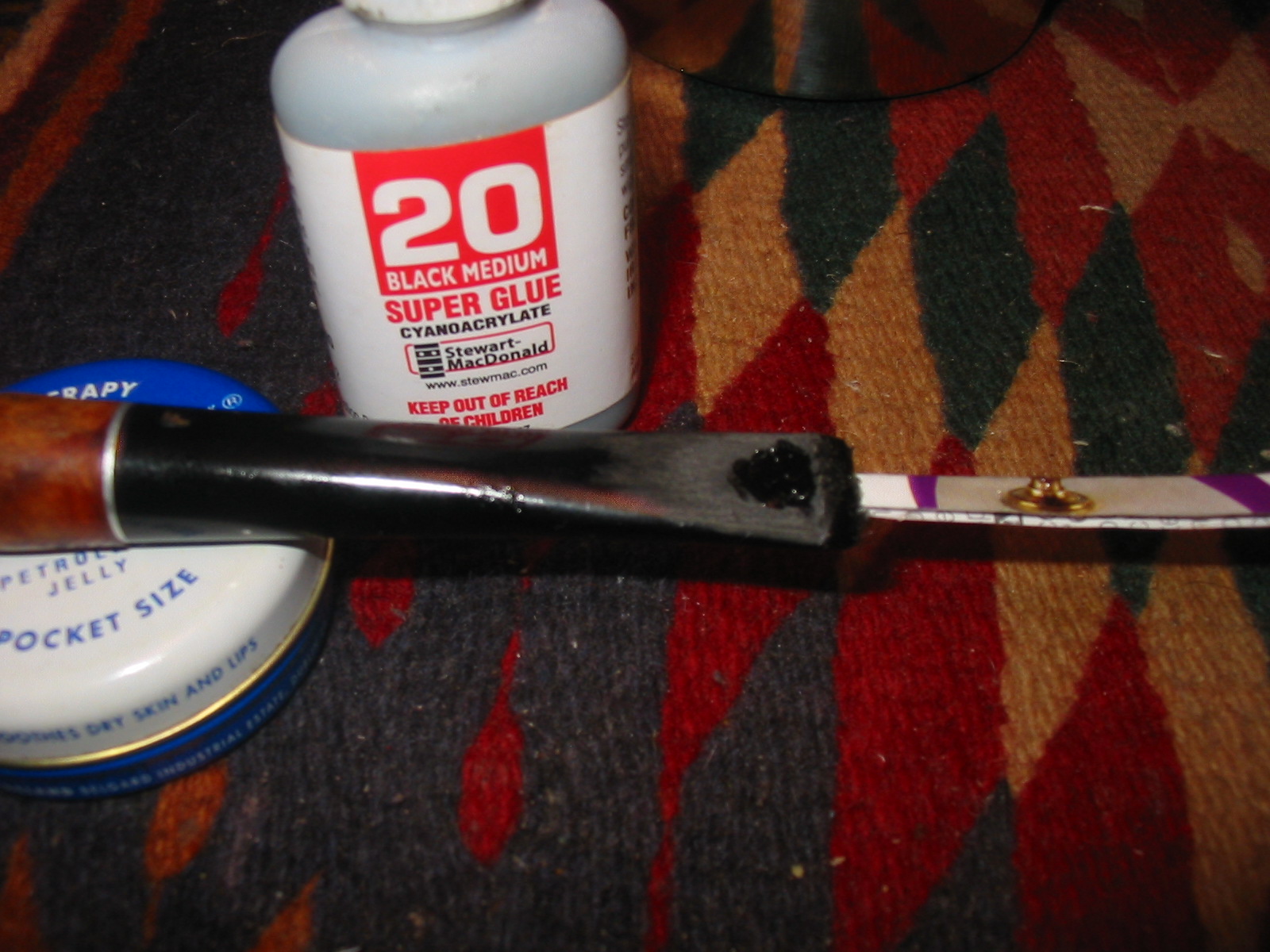
I used Stew Mac Black super glue to build up the edges of the holes. I find that I get a much stronger patch/repair if I slowly build up the patch with multiple layers of the glue. I mixed in some carbon powder taken from a charcoal digestive capsule. I put the glue on the edges of the hole; mixed in the carbon and then more glue more carbon to build the first layer. The next series of four photos show the gradual build up of the glue and carbon. The glue was allowed to cure over night between each layer of the repair. I sanded lightly between the layers to roughen the surface of the patch and smooth out some of the pitting. I find that doing so provides a surface for the new layer to bond to.
IMG_6986

IMG_6987

IMG_7028

IMG_7029
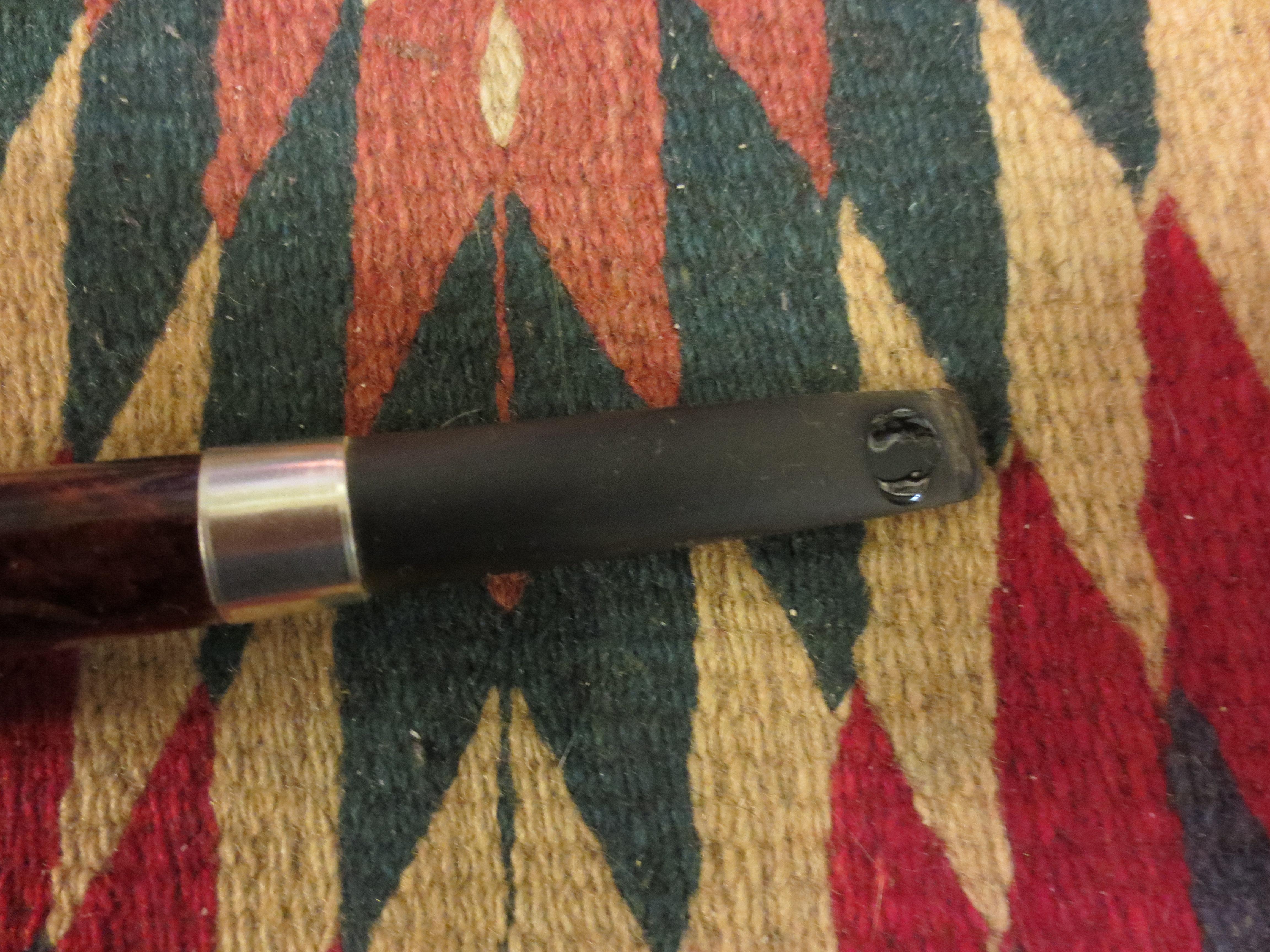
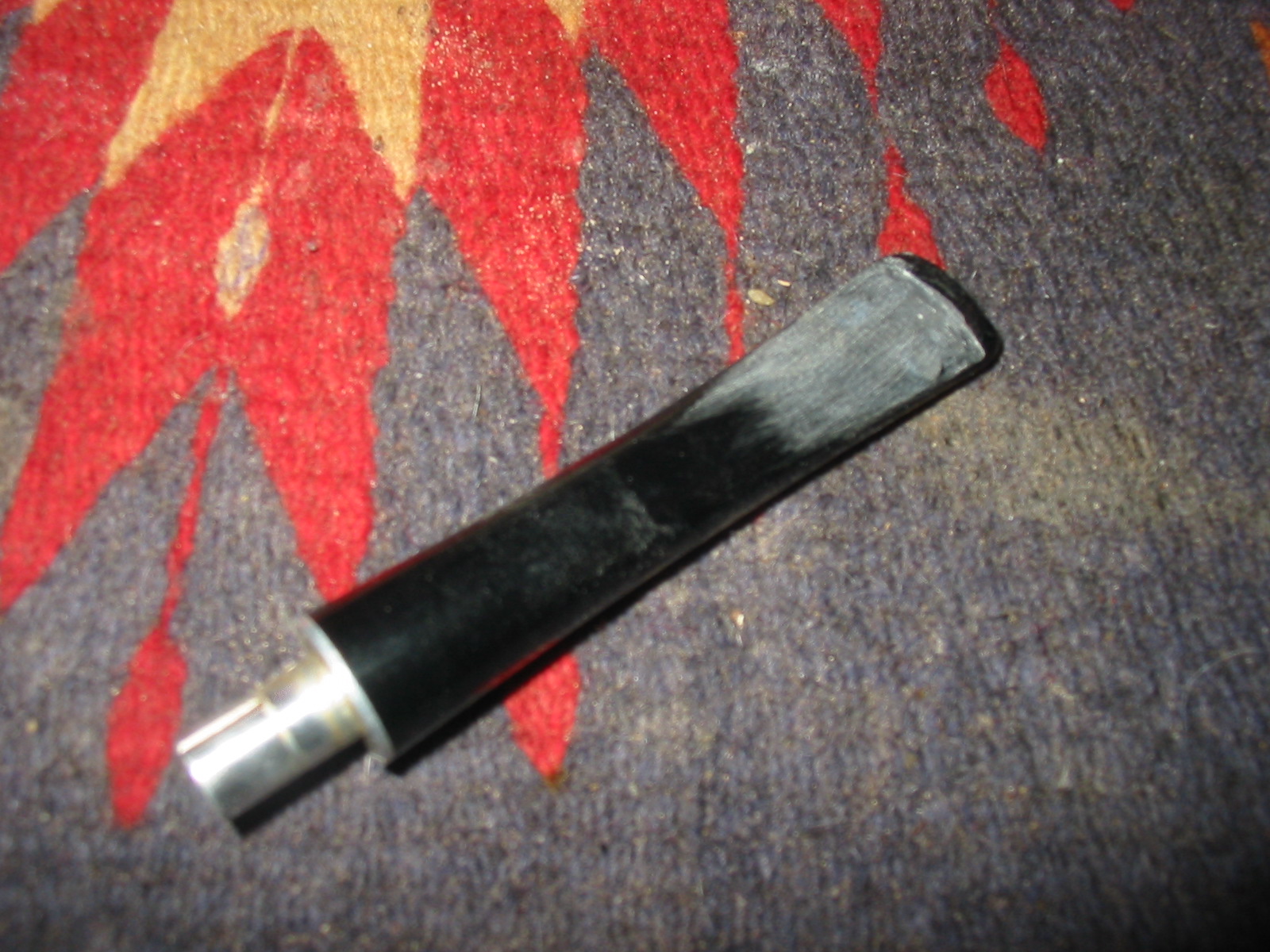
Once the patch had thoroughly cured and hardened I sanded it. I test the hardness by pressing a fingernail into the patch. If it is not hard I let it sit longer. Once it is hard I sanded it with 220 grit sandpaper to smooth out the patch. I used a small needle file to redefine the edge of the crease. Nylon turns white when sanded and so did the patch fortunately. The patch was slightly darker than the stem at this point but would blend in with further sanding.
IMG_7059

IMG_7060

IMG_7063
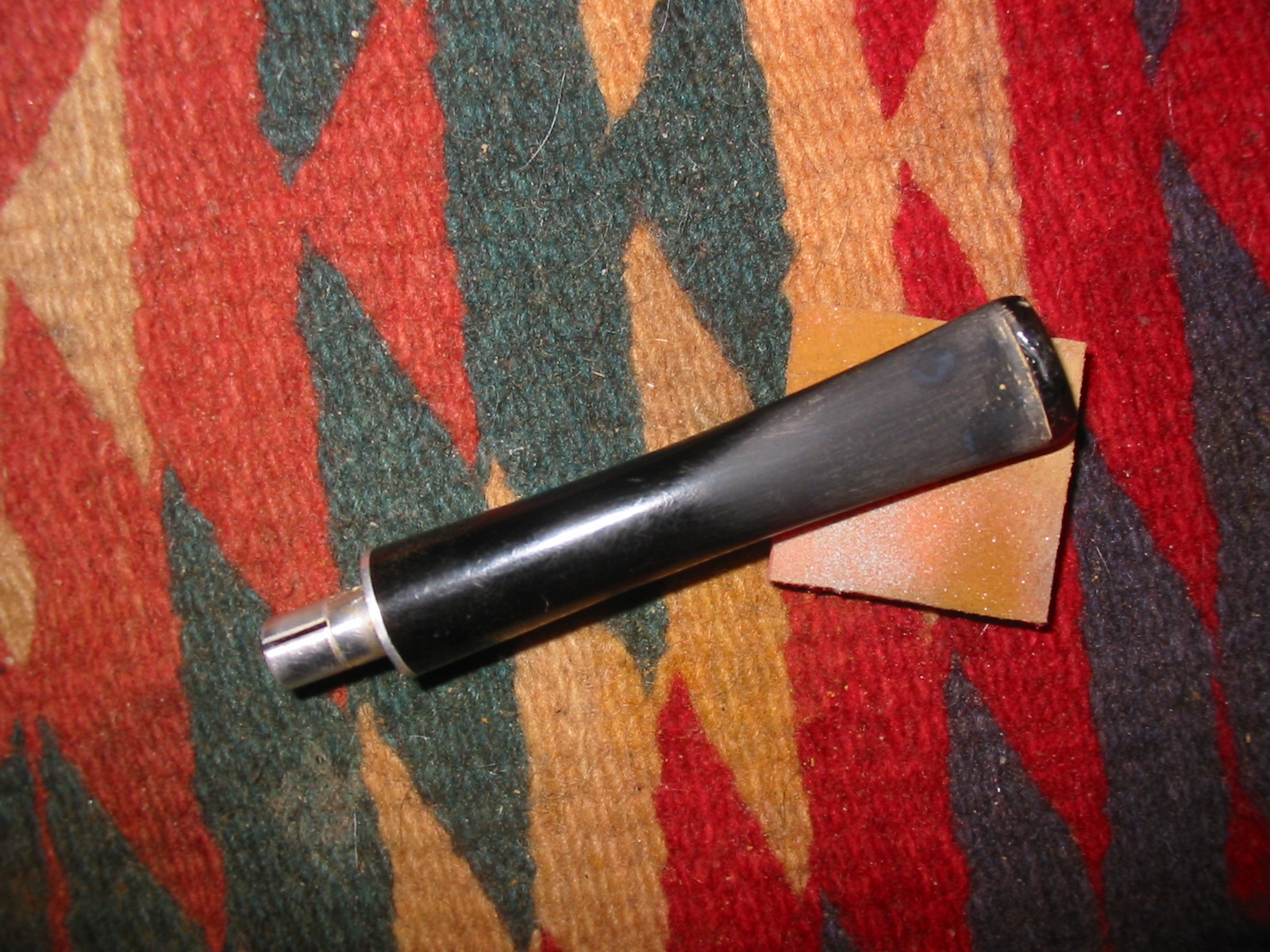
I sanded the stem with a medium and fine grit sanding sponge to remove the scratches. I further redefined the crease to sharpen it. The repairs are visible in the photos as slightly darker than the stem colour at this point.
IMG_7158

IMG_7159
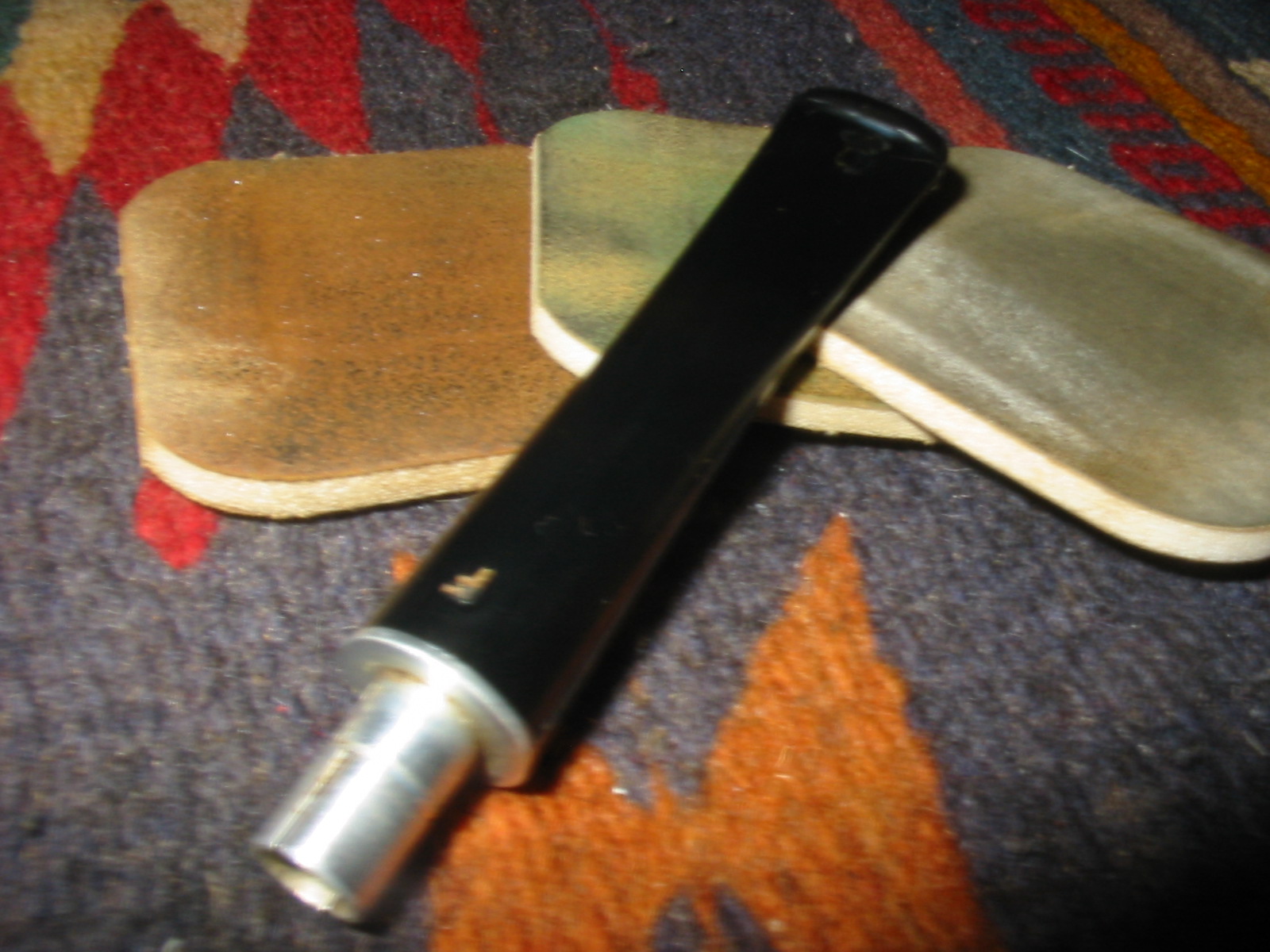
In the process of the sanding I noticed that the dents in the button itself were not filled enough so I cleaned them out and filled them with black super glue. I also used black super glue to refill some spots on the surface of the blade that seemed to be pitted after the sanding. I sanded these after they were dry using 220 grit sandpaper followed by medium and fine grit sanding sponges. Once the surfaces were flat and smooth to my liking it was time to turn to sanding with the micromesh sanding pads. I wet sanded with 1500-2400 grit pads and dry sanded with 3200-12000 grit pads. I went back to the sanding sponges several times when I found that some of the scratches were not adequately removed. I then repeated the wet and dry sanding with the micromesh pads until the surface was shiny and smooth and the patches blended into the stem.
IMG_7217

IMG_7219
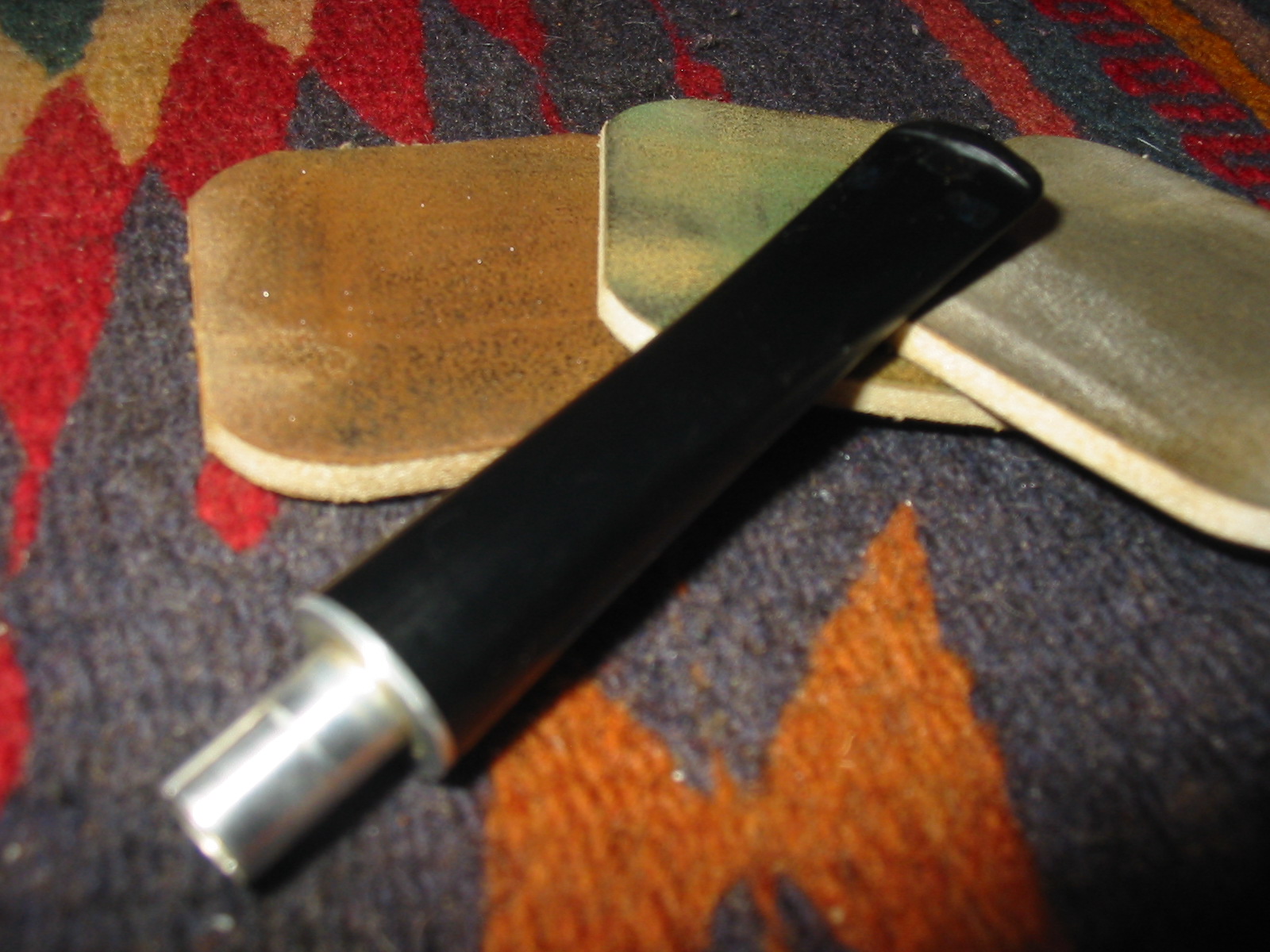
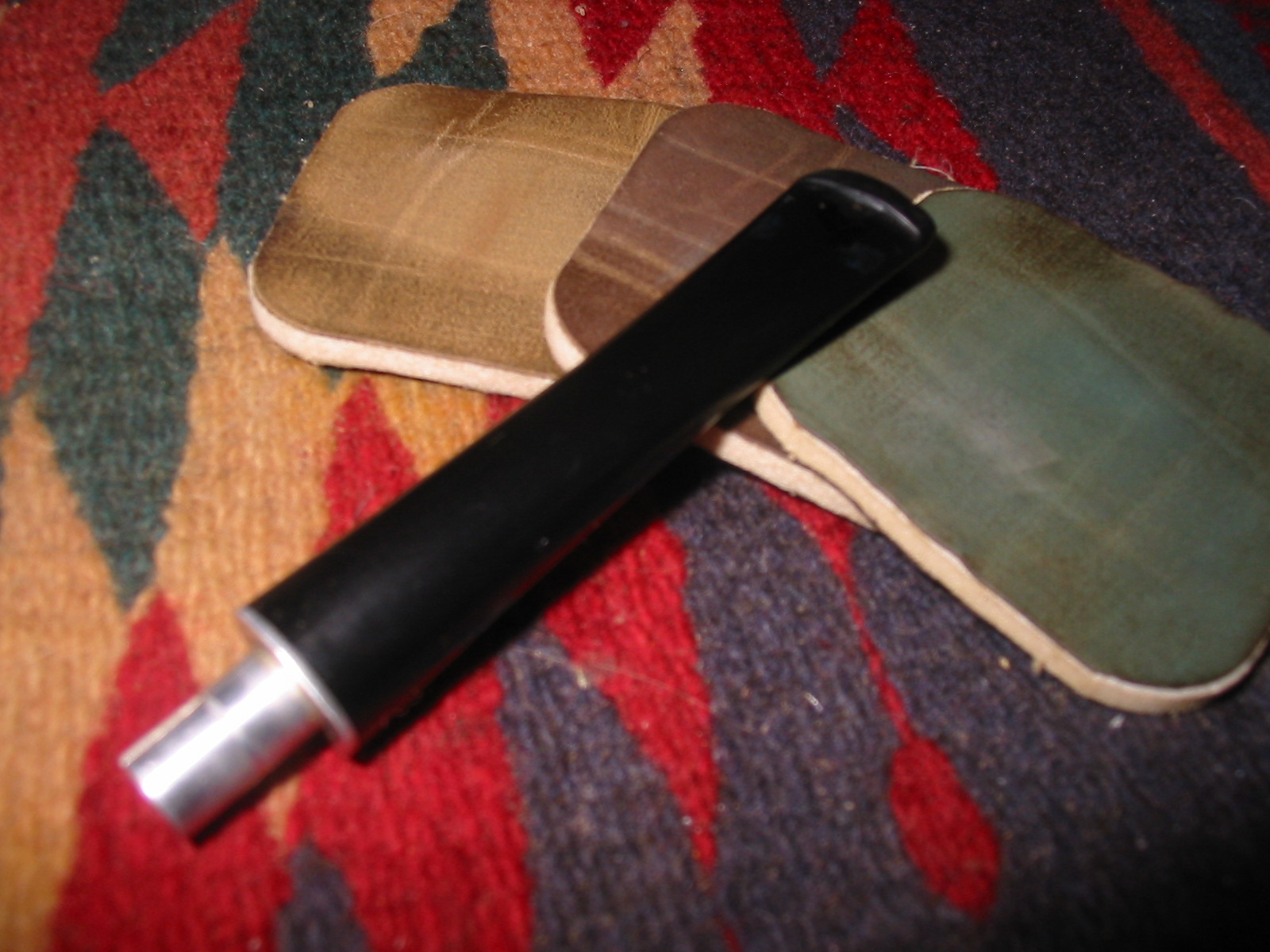
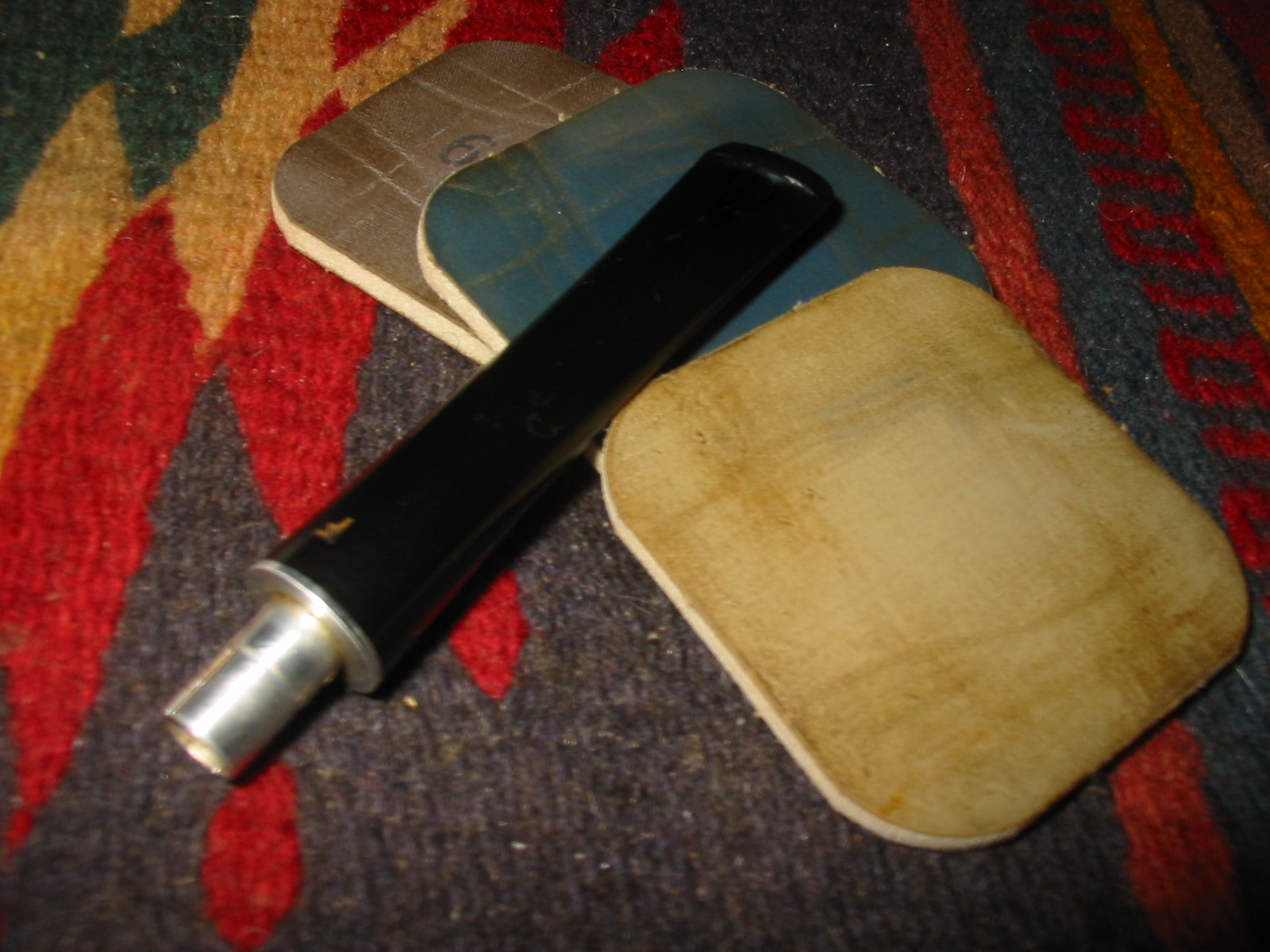
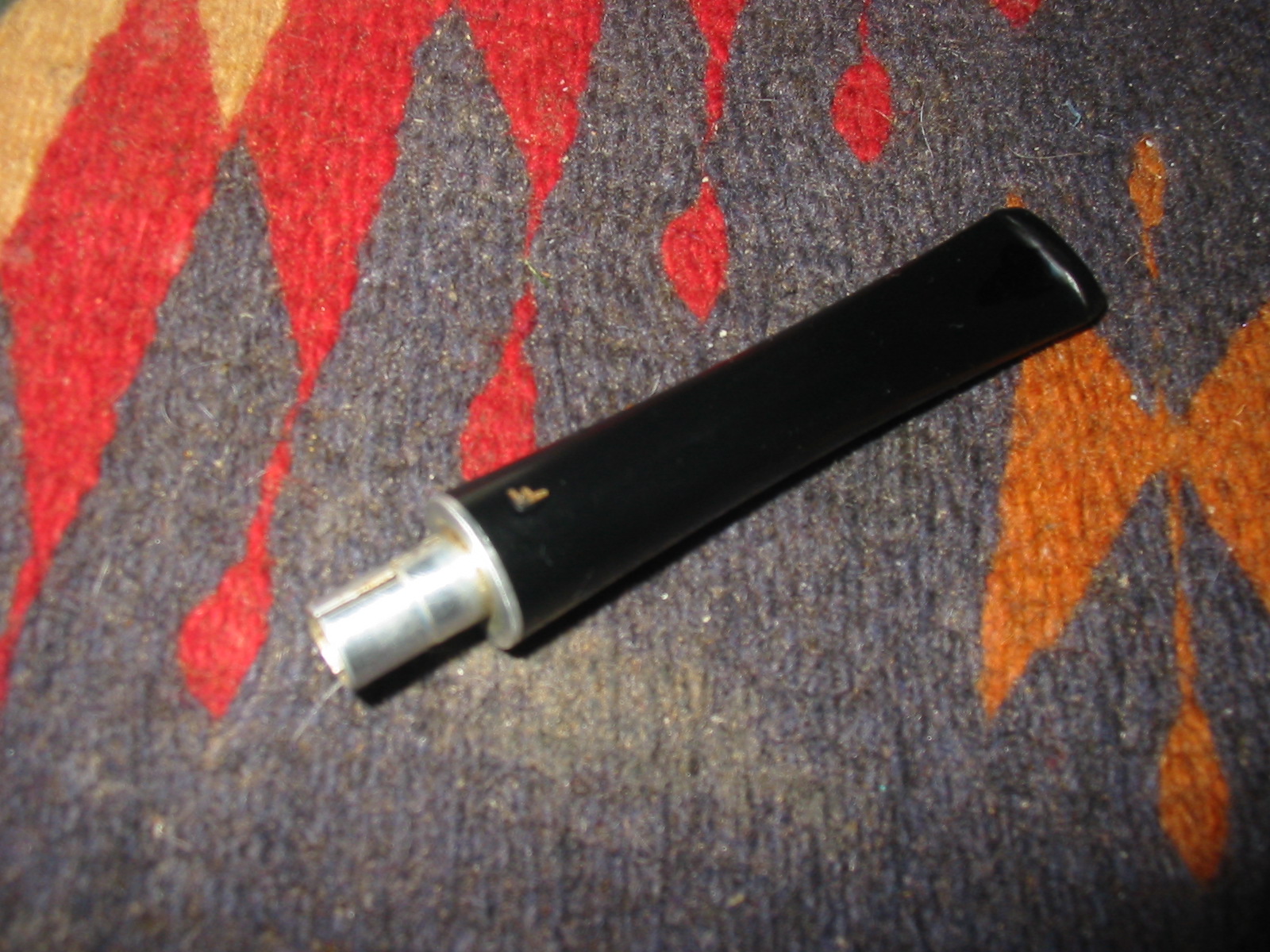
I rubbed the stem down with Obsidian Oil and when it was dry hand buffed the s tem and then resanded with the 3200-12,000 grit micromesh sanding pads.
IMG_7221

IMG_7222

IMG_7223

IMG_7226

IMG_7227

IMG_7230
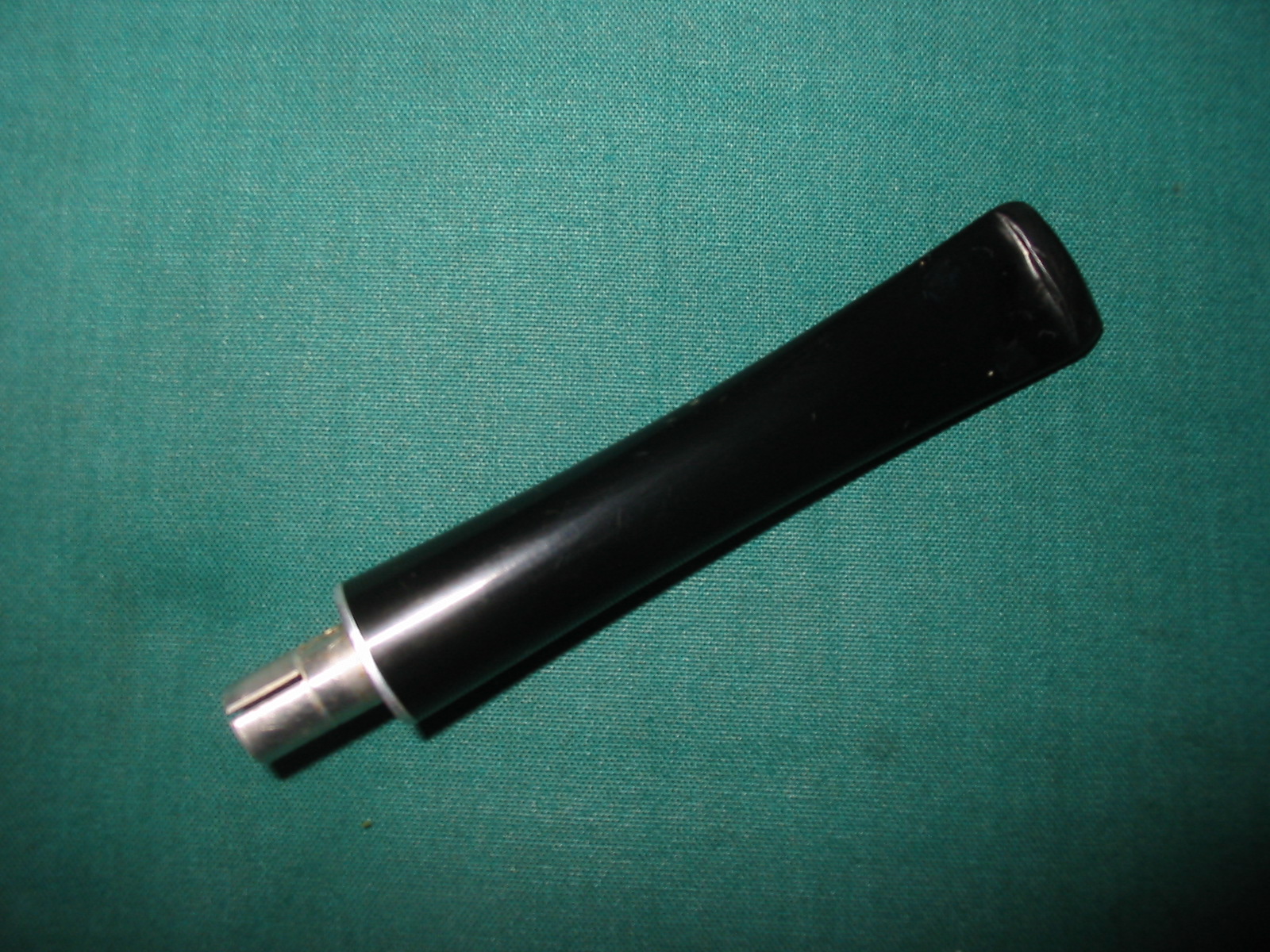
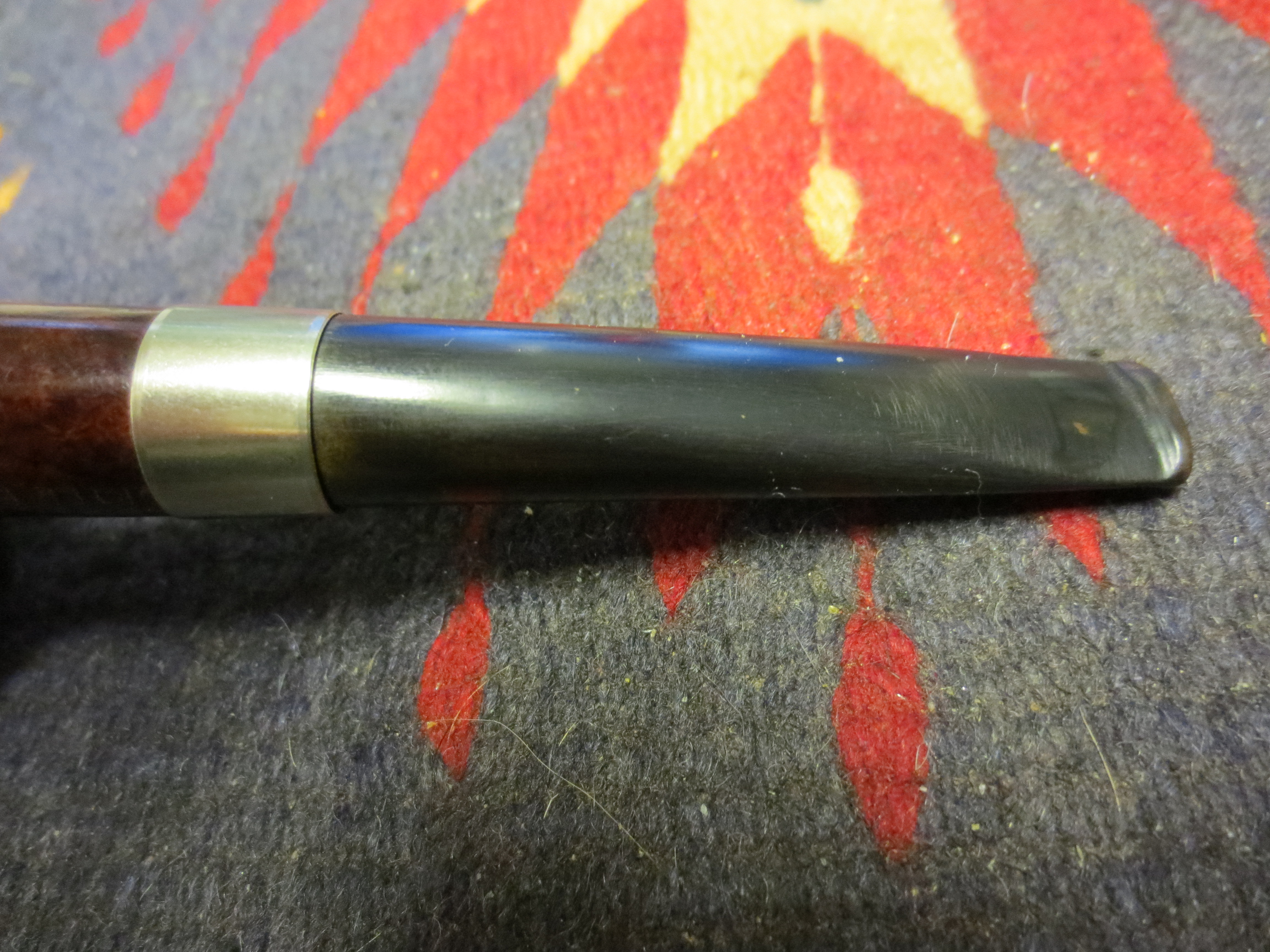
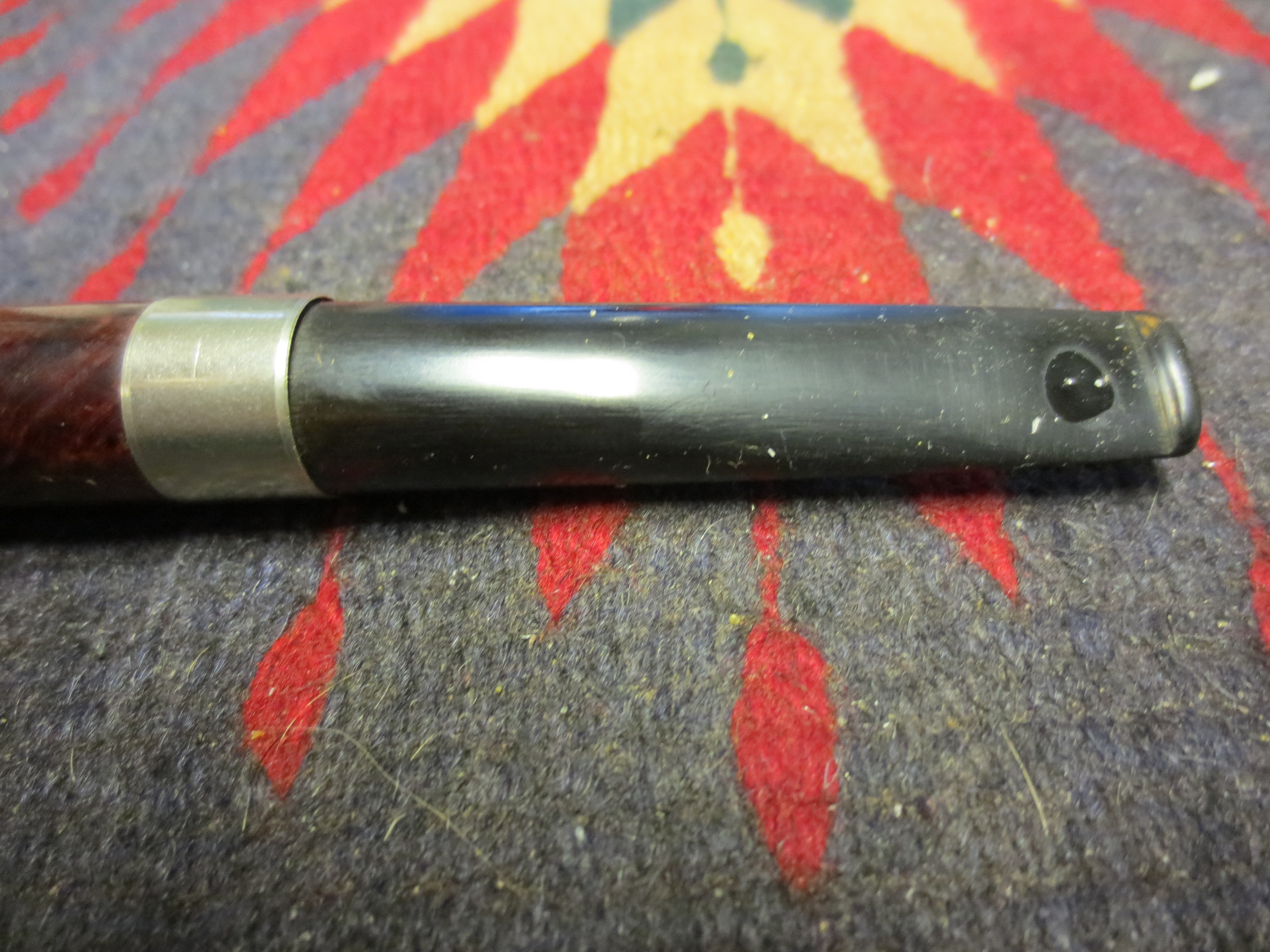
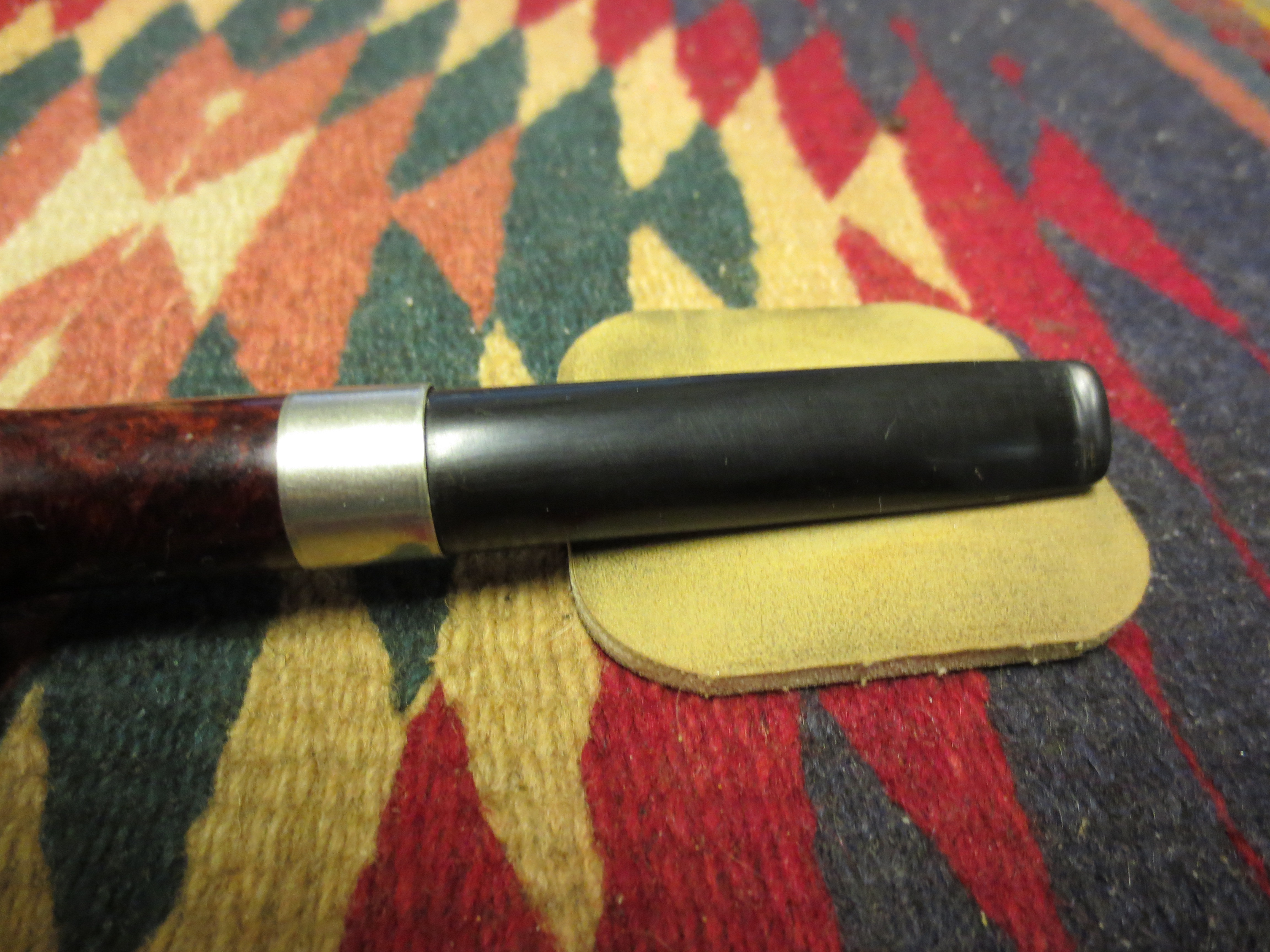
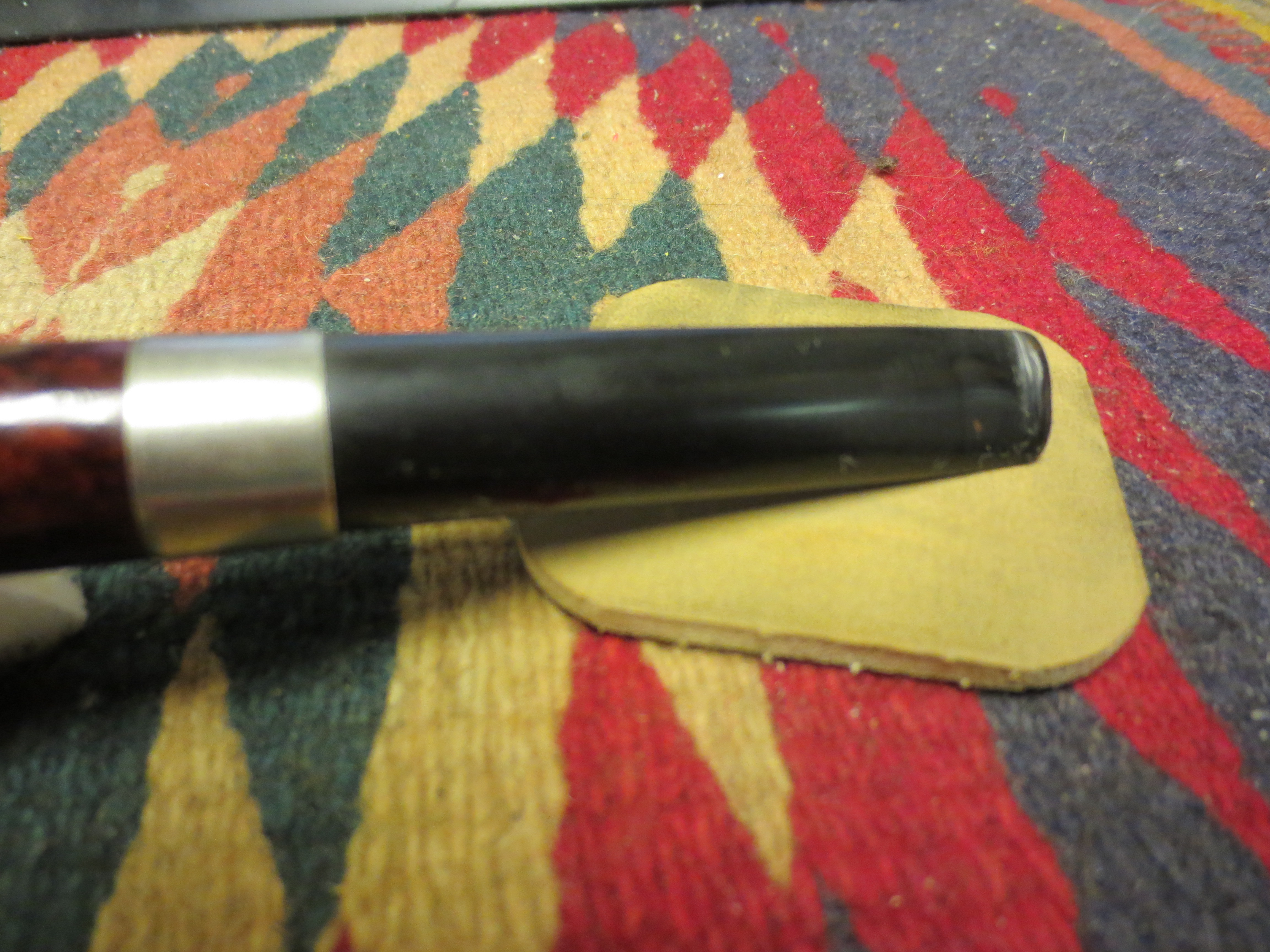
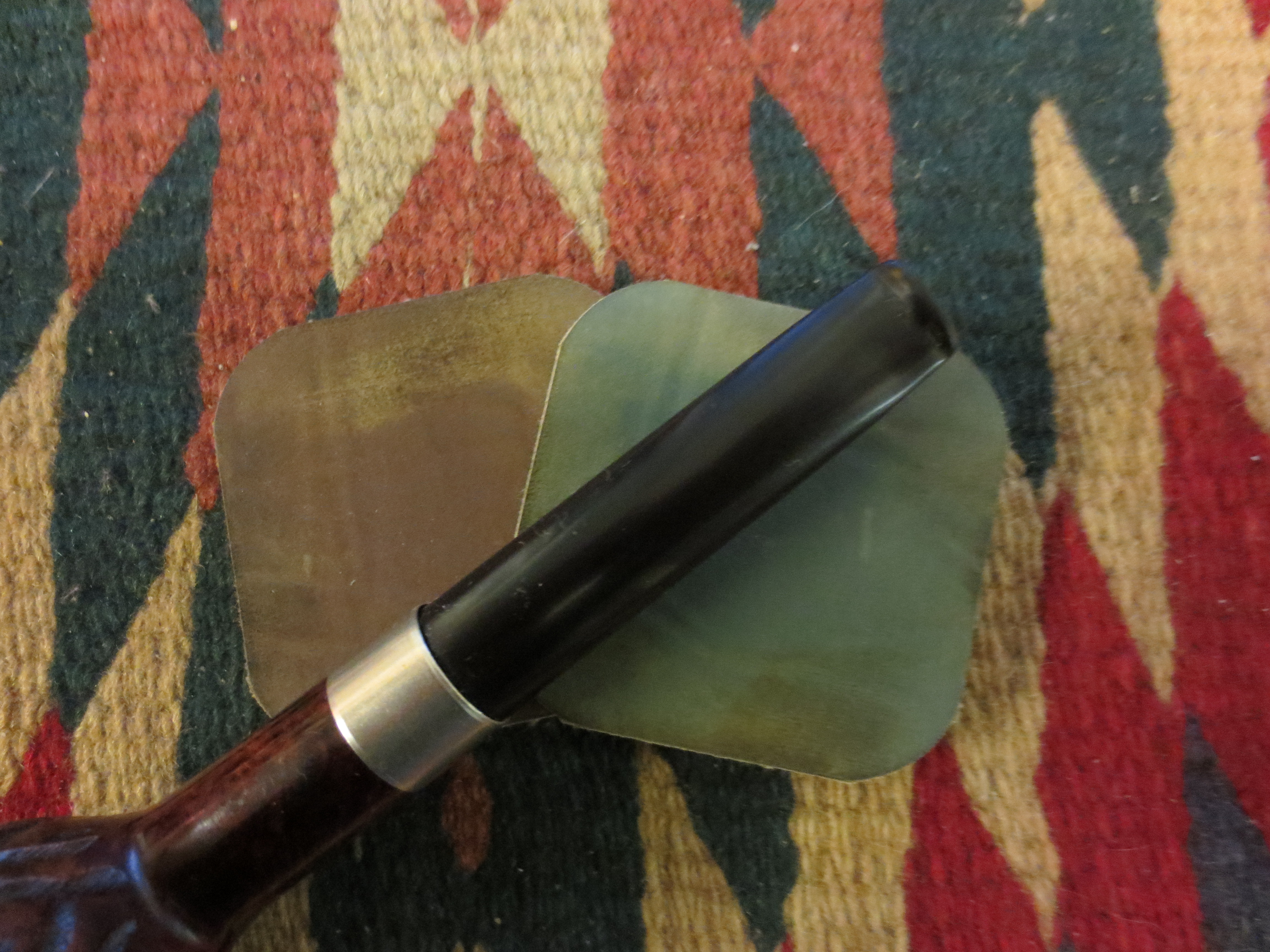
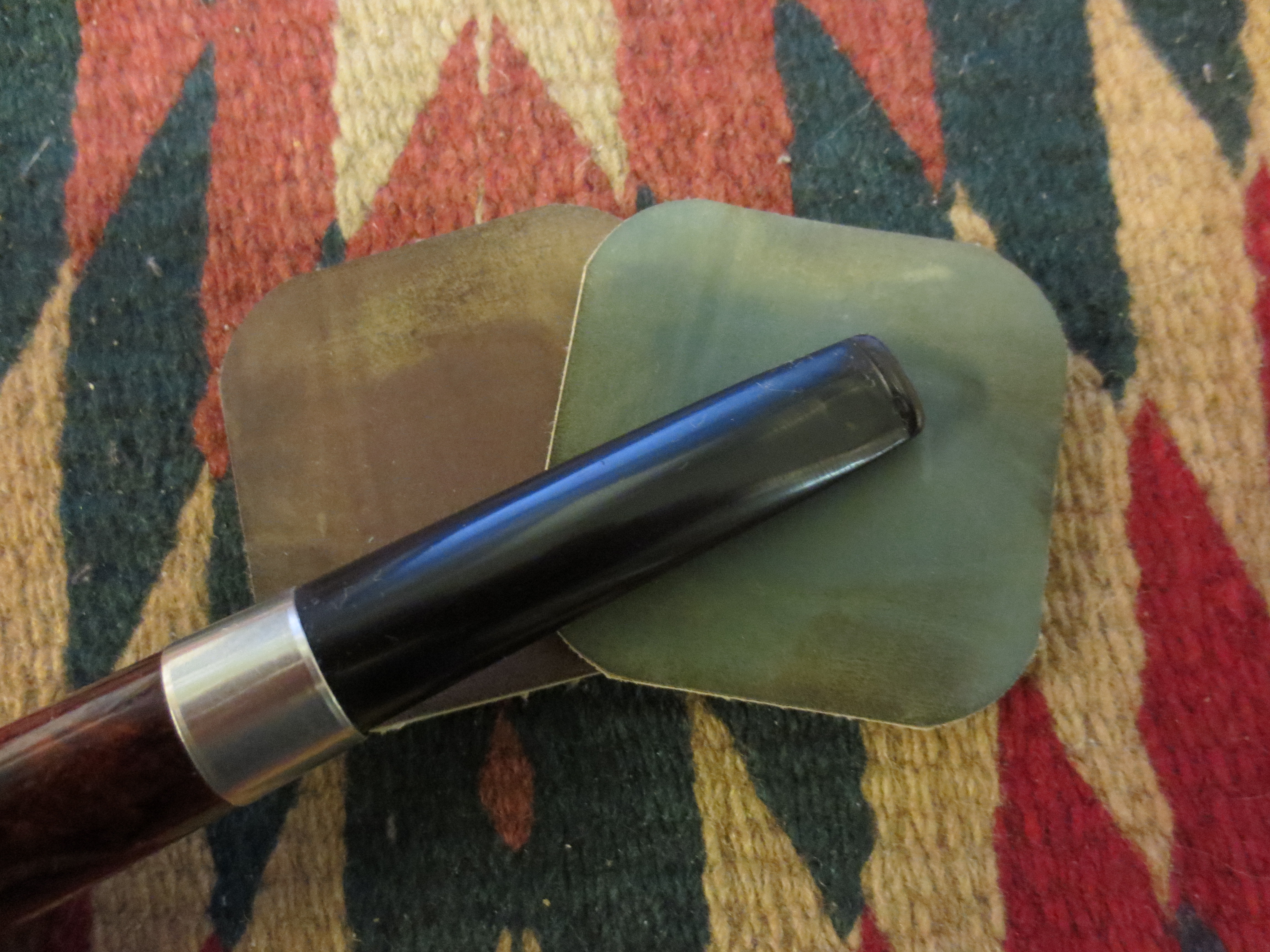
I polished the finished stem lightly with White Diamond. You have to have a very light touch when buffing nylon as the heat the buffing creates melts the nylon and creates a mess. In this case I just lightly touched it and then gave it a light coating of carnauba wax and then hand buffed it. I gave the stem several coats of Paragon Wax and hand buffed it. The finished stem is shown in the photos below.
IMG_7266

IMG_7267

Repairing a Stem on a Dr. Grabow Grand Duke with Black Superglue


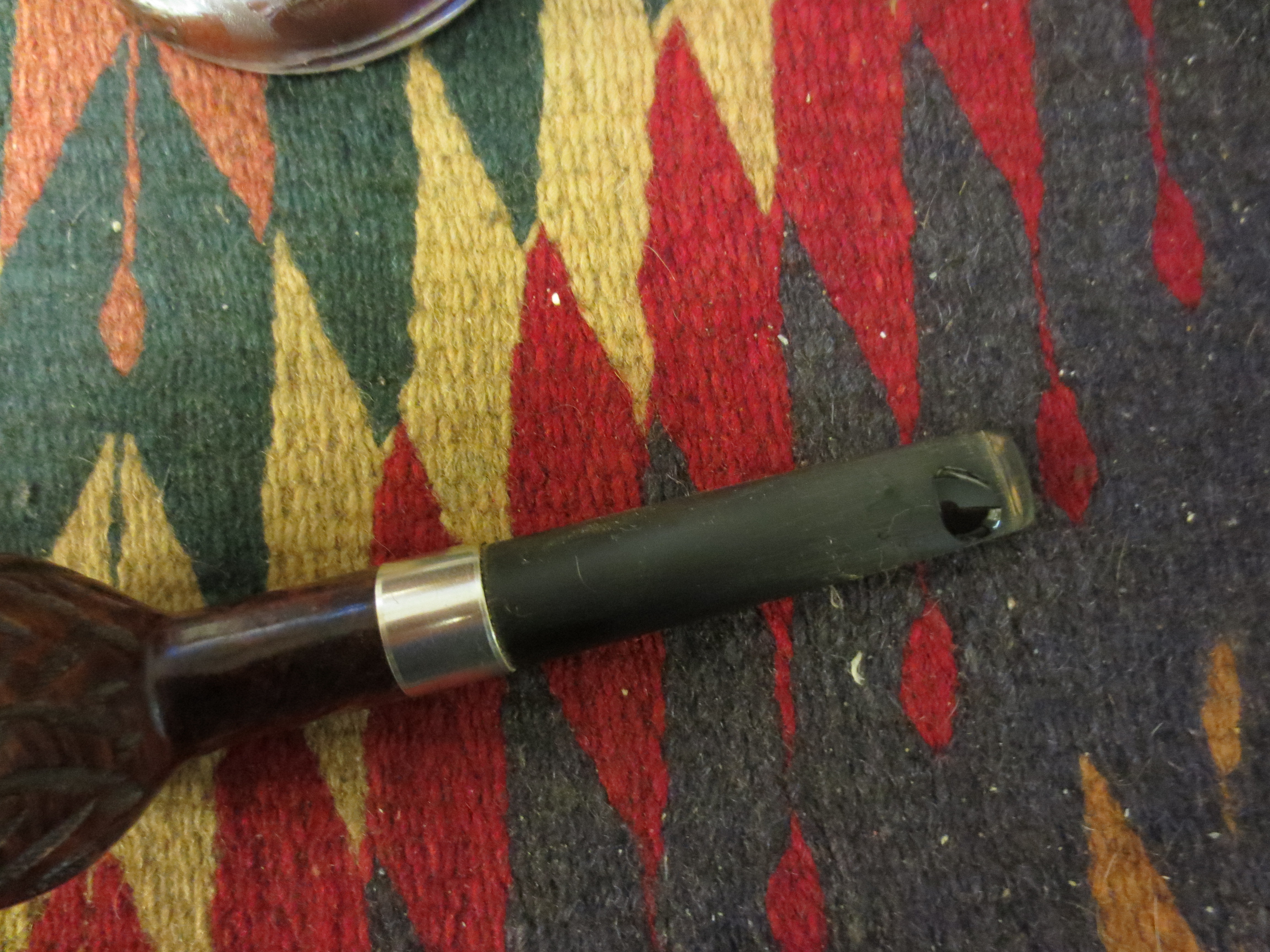
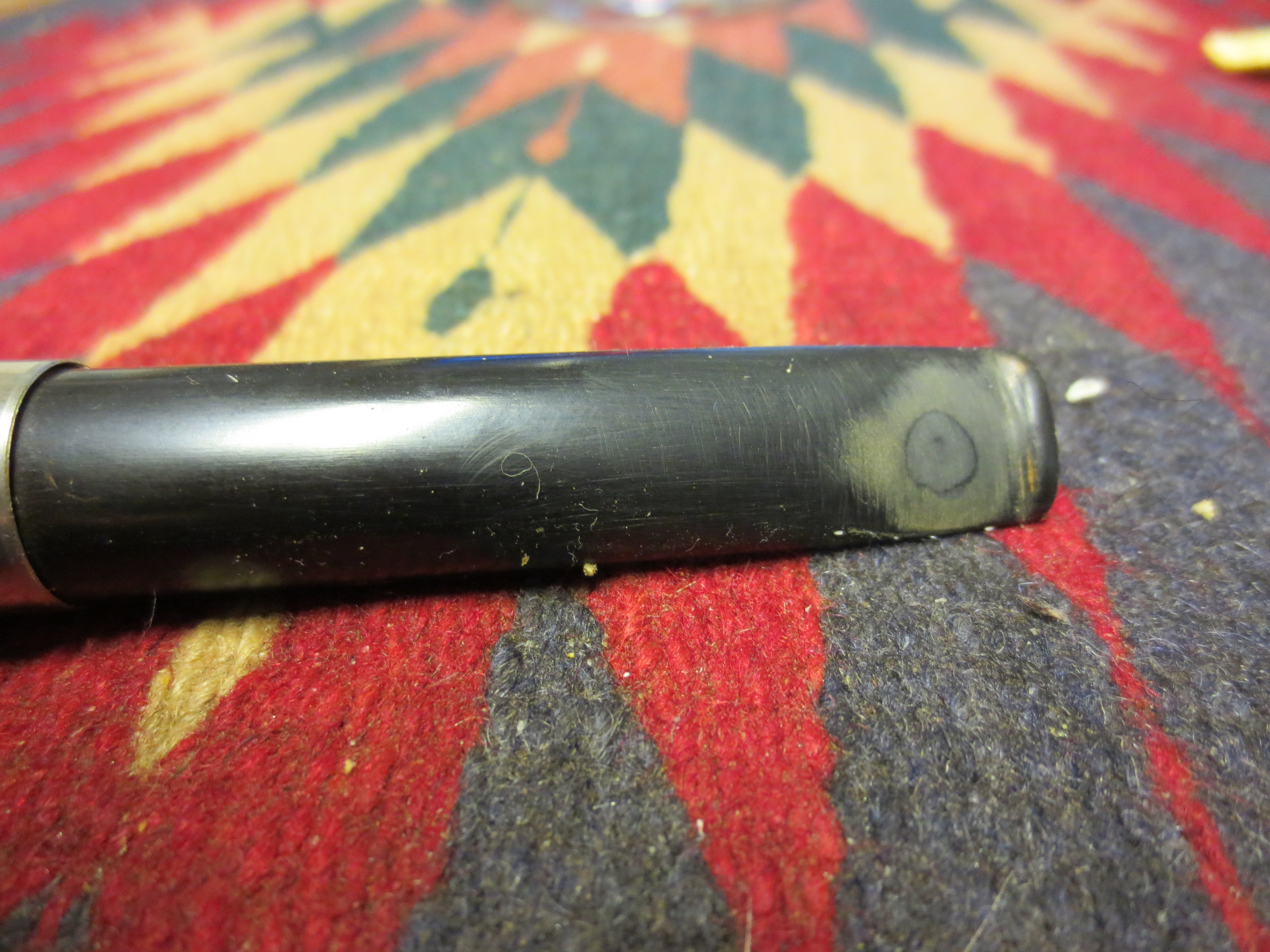
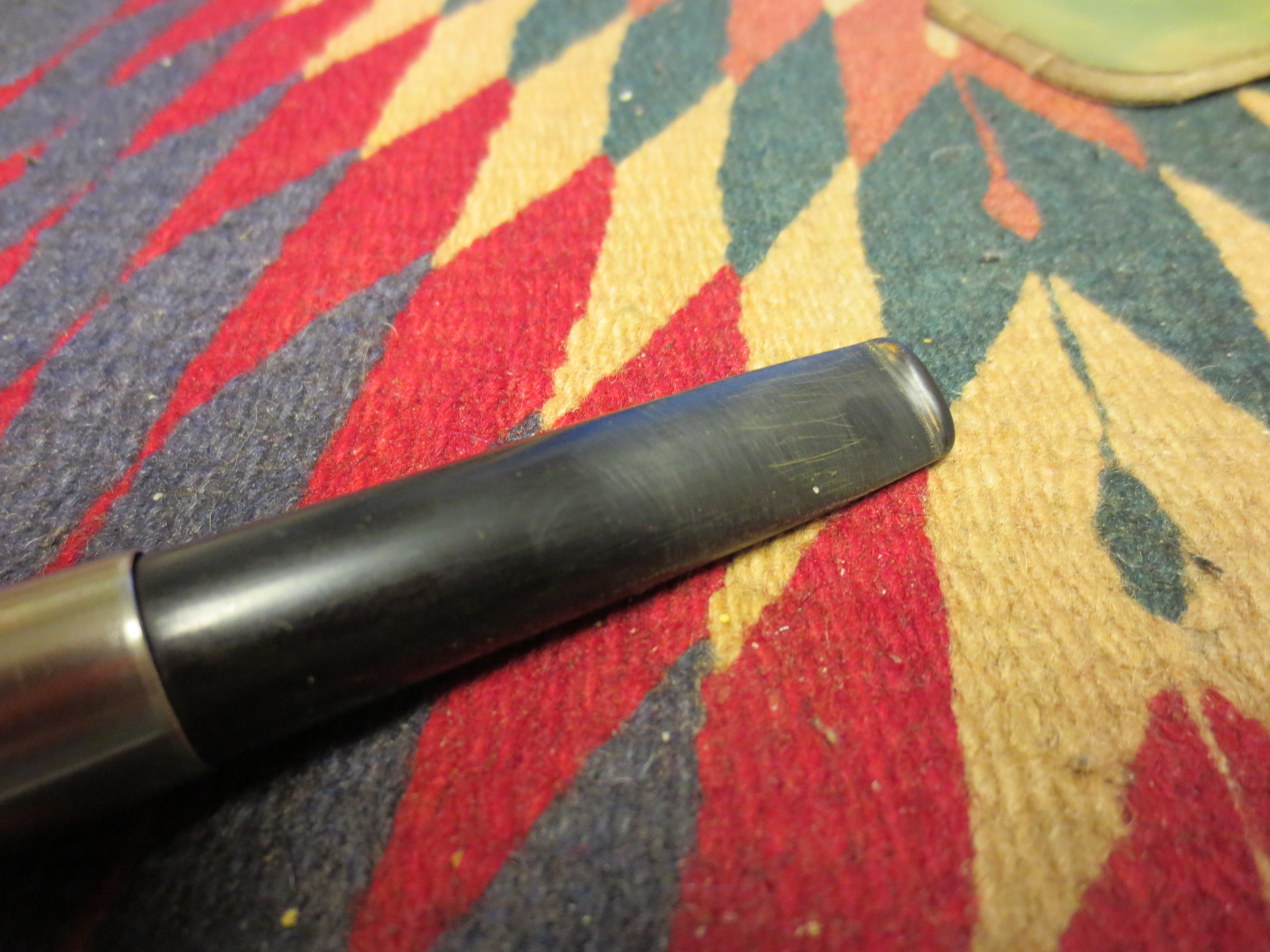
I took on this project to demonstrate how I use black superglue to repair deep bit marks/bite throughs on vulcanite stems. I had this old Grabow stummel in my box and I found a stem that looked good on the bowl. The bowl had a small hairline crack in the shank so I pressure fit a band on it for a repair. The bowl needed to be topped so I did that after banding. I restained the top to match the bowl colour. I used a dark brown aniline stain that I mixed with isopropyl alcohol until I got the match I was looking for. I stained and flamed the rim to set the stain. The stem was in pretty rough shape but I decided to use it anyway and take it on as a project. The button was almost gone from the deep bite marks. There were three bite marks on the underside of the stem near the button and on bite mark on the top of the stem. I decided to use the boiling water trick to try to raise the dents as much as possible. These were deep bite marks and the edges were rough so my guess was that they would not come up to the surface with the heat. I then sanded the surface of the stem with medium grit emery paper to remove the surface marks and dents and then smooth out the area of the deep bite marks. I work to have a semi rough surface for the superglue to bond with so I am not sanding it smooth as much as working it over to make it clean. The next three photos show the state of the stem after I had sanded it and readied for patching.

ImageImageImage

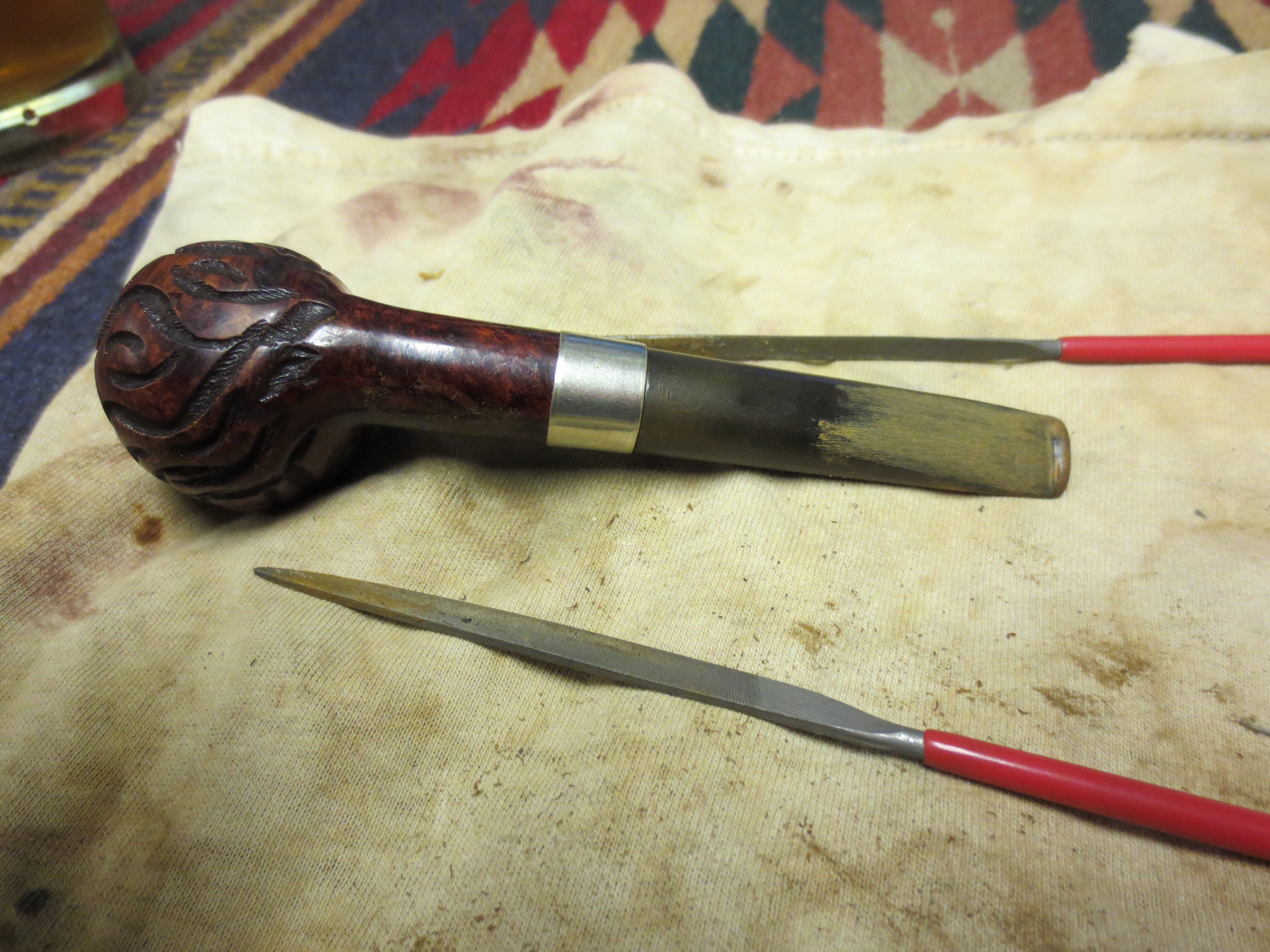
Once I had sanded the surface smooth I used my needle files to recut the sharp edge of the button and rework the flow and angles of the button. I also used the needle files to carve the surface of the stem and provide a gentle slope to the new button area. I have found that often when recutting the button and defining its shape it is easy to cut a trough and make a hump in front of the newly shaped button so I always start about half way up the stem and use the file to change the taper to flow to the edge of the button. This served the dual purpose of removing high spots on the bite marks and to help identify the actual holes that would need to be patched. The next two photos show the file work on the stem.

ImageImage

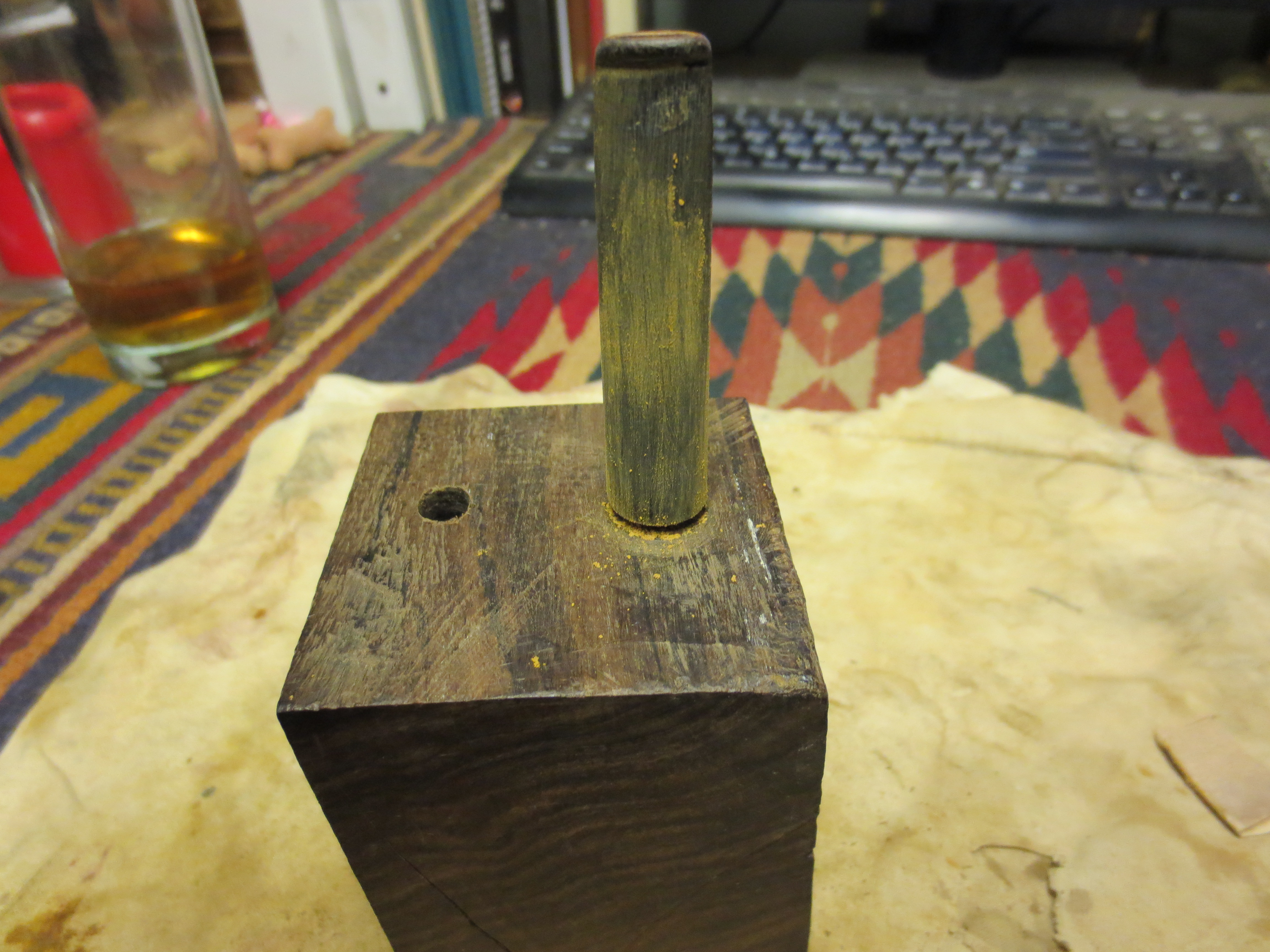
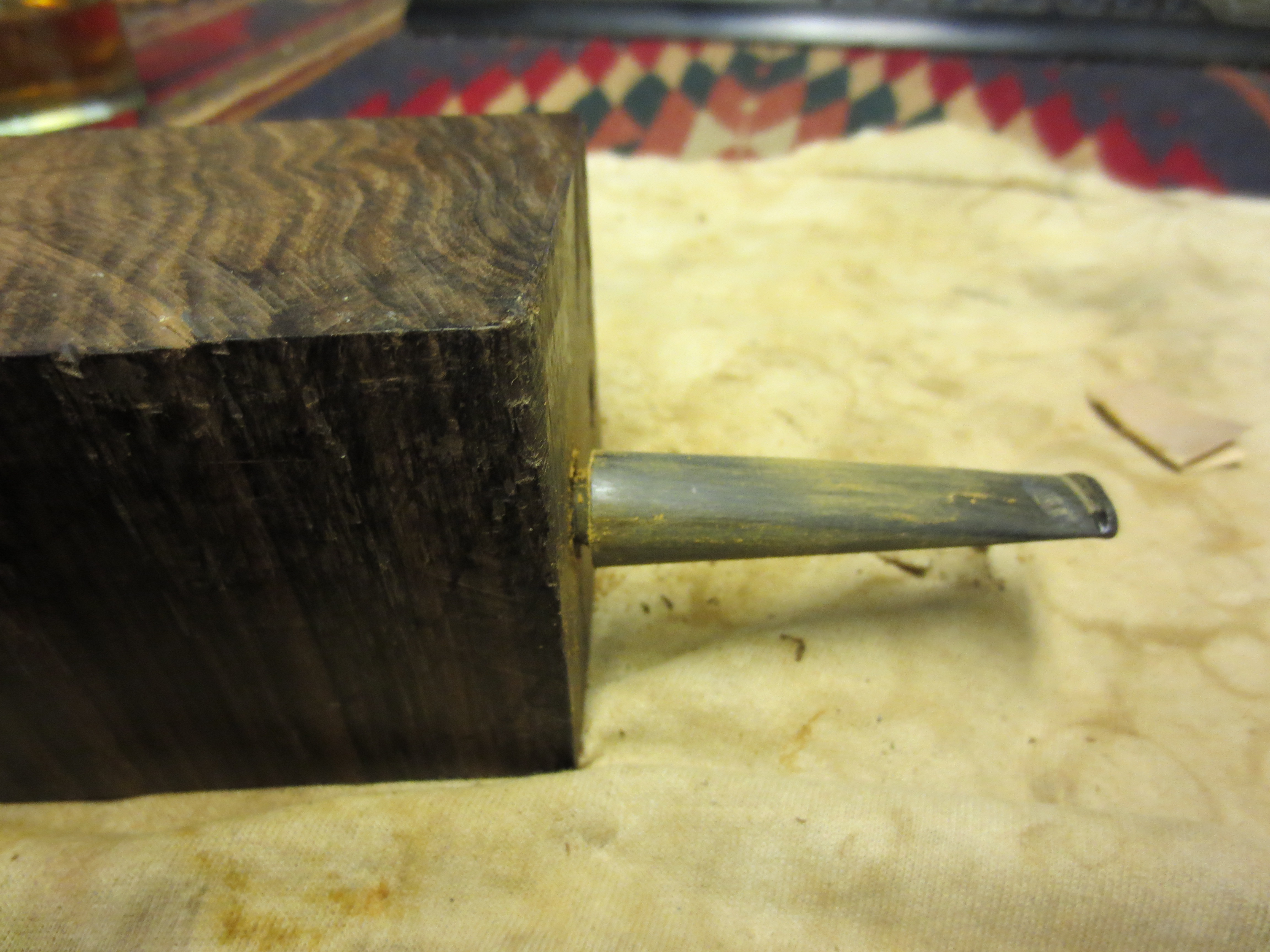
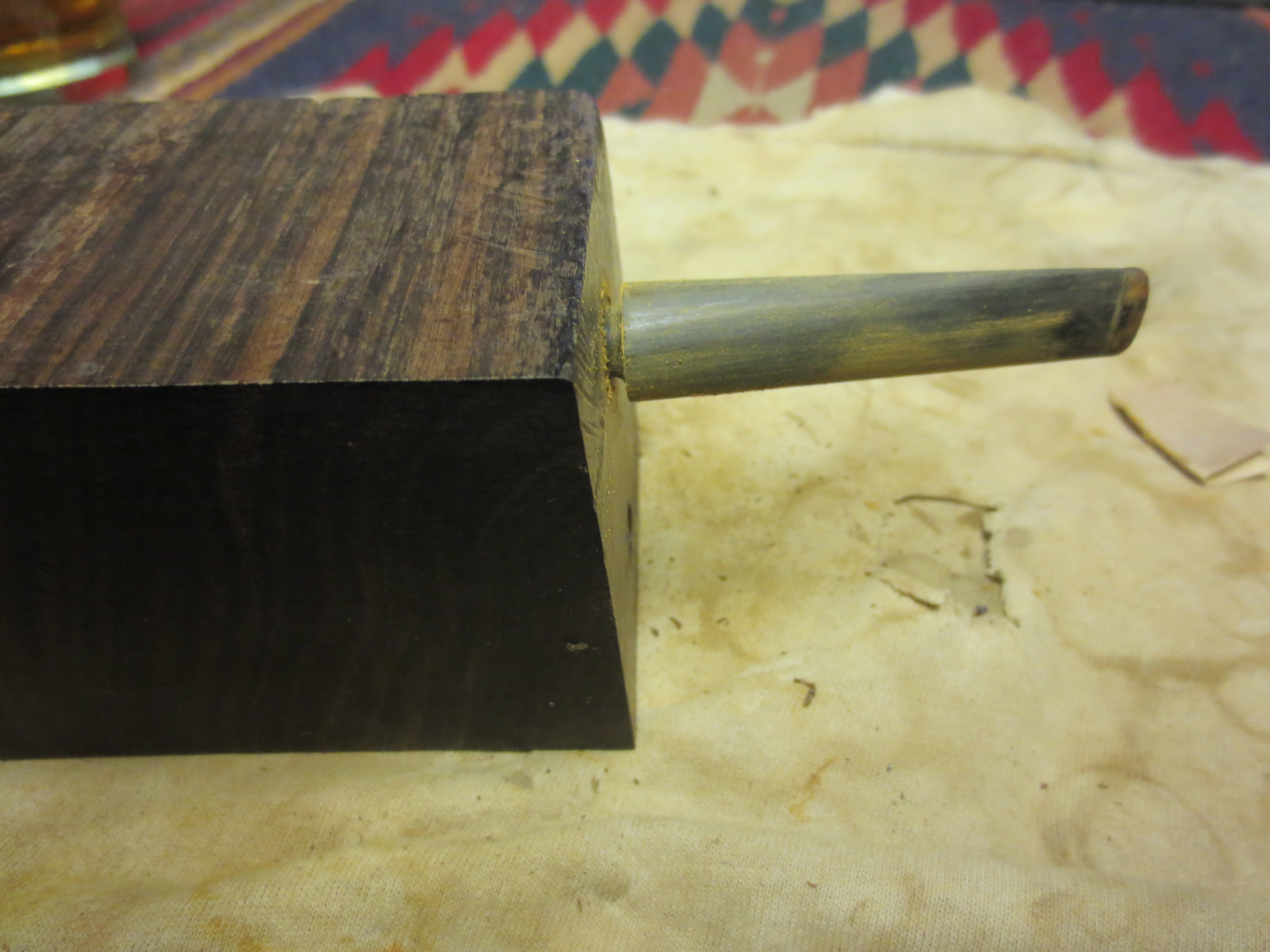
Once I had the slope correct and the button shaped I put the stem in the ebony block I had drilled with a mortise to allow me to sand the rest of the stem without rounding the shoulders of the stem. I wanted the stem shank junction to be smooth and well fit. I also wanted the oxidation removed from the stem before I patched it with the superglue. I did not want the oxidation to remain in the holes that I would patch or on the surface of the stem. I sanded it down and removed the oxidation. I spent extra time around the bite marks. I also picked out any loose debris in the marks with a dental pick and then wiped it down with alcohol to remove the dust and provide a clean surface for my patch work.

ImageImageImage

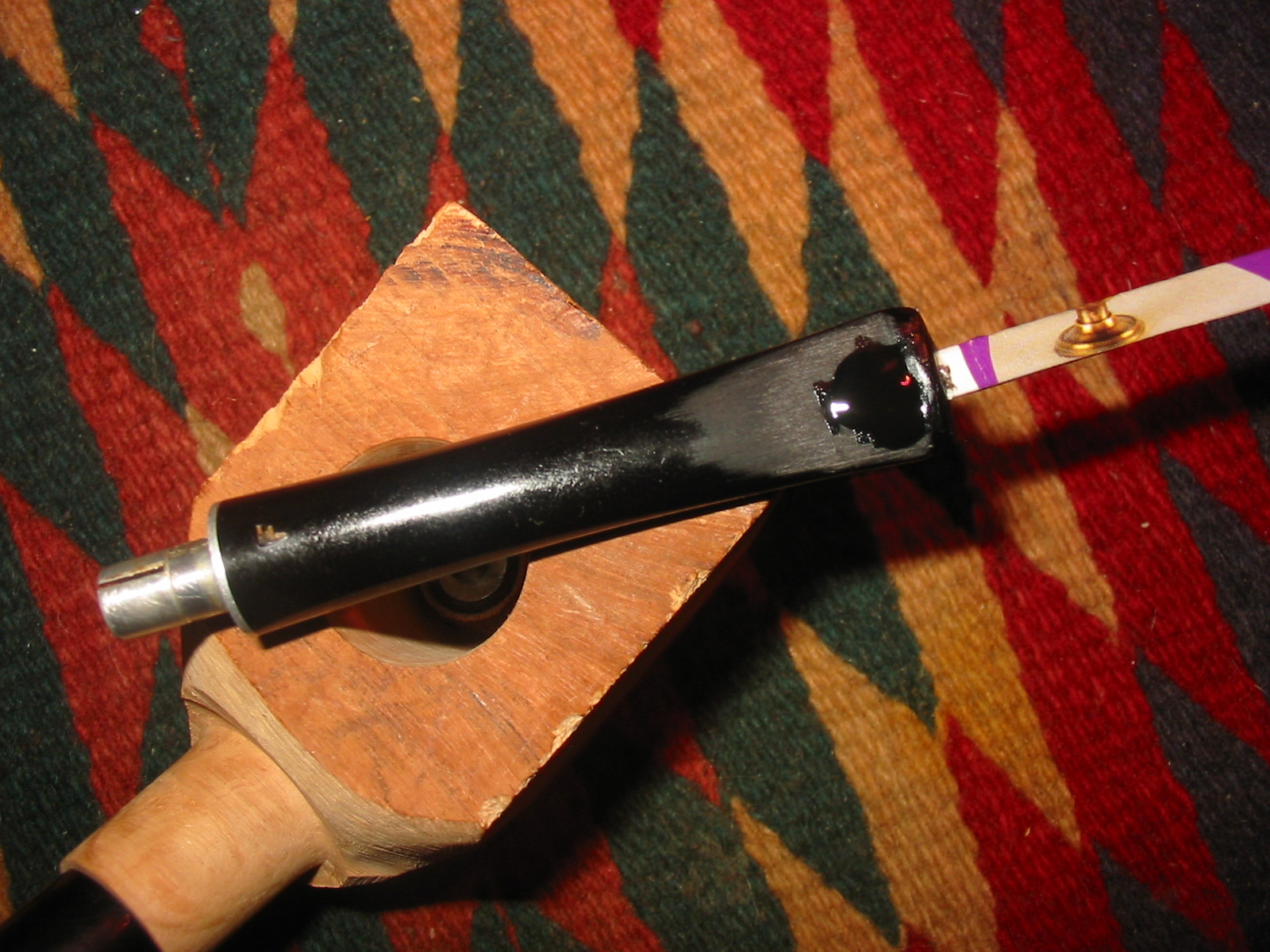
The next series of three photos show the patch in place. I use black superglue that I pick up from Stewart-Macdonald http://www.stewmac.com/shop/Glues,_adhesives/Stewart-MacDonald_Super_Glues.html I have found that it really works well. I drip it on the cleaned hole and make a bubble of superglue. This particular glue dries slowly so I do one side of the stem at a time. I let it dry for over an hour before turning it over and doing the same thing on the other side of the stem. Once I have made the patch I set the stem aside to dry overnight. I do not want to touch it or sand it until it has had that time to cure and become hard. I have tried sanding sooner but always end up patching the holes a second time because of my impatience.

ImageImageImage

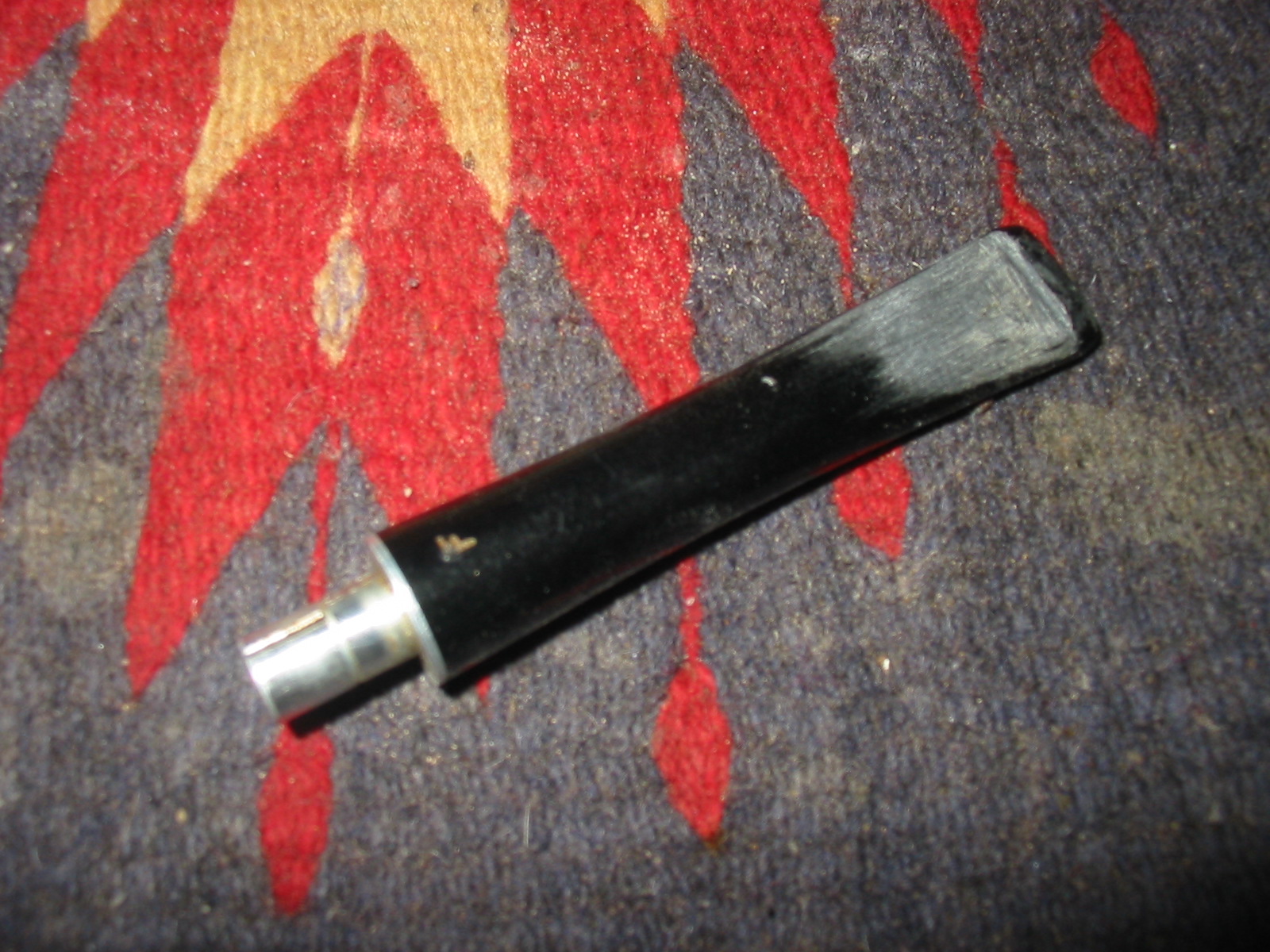
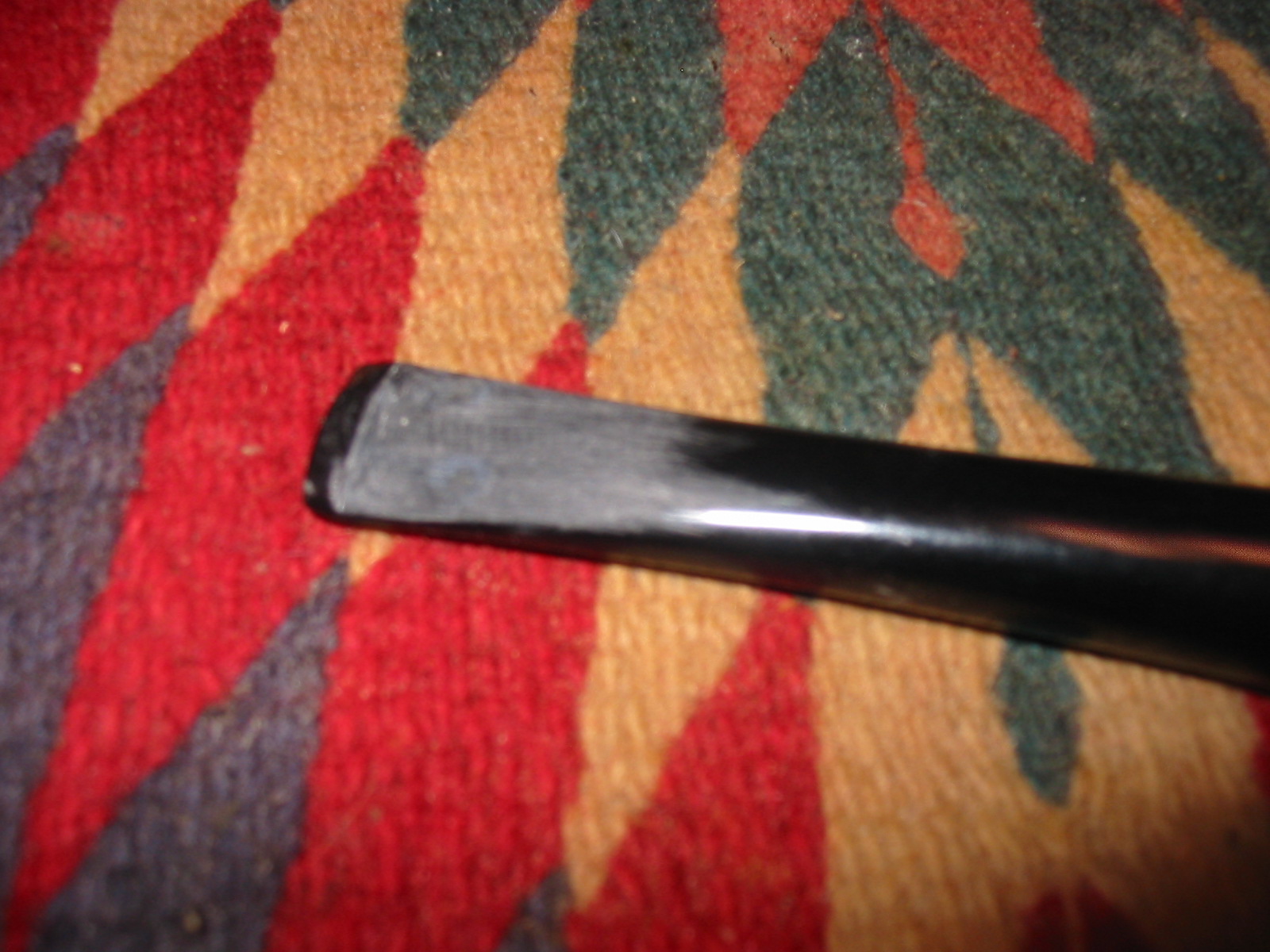
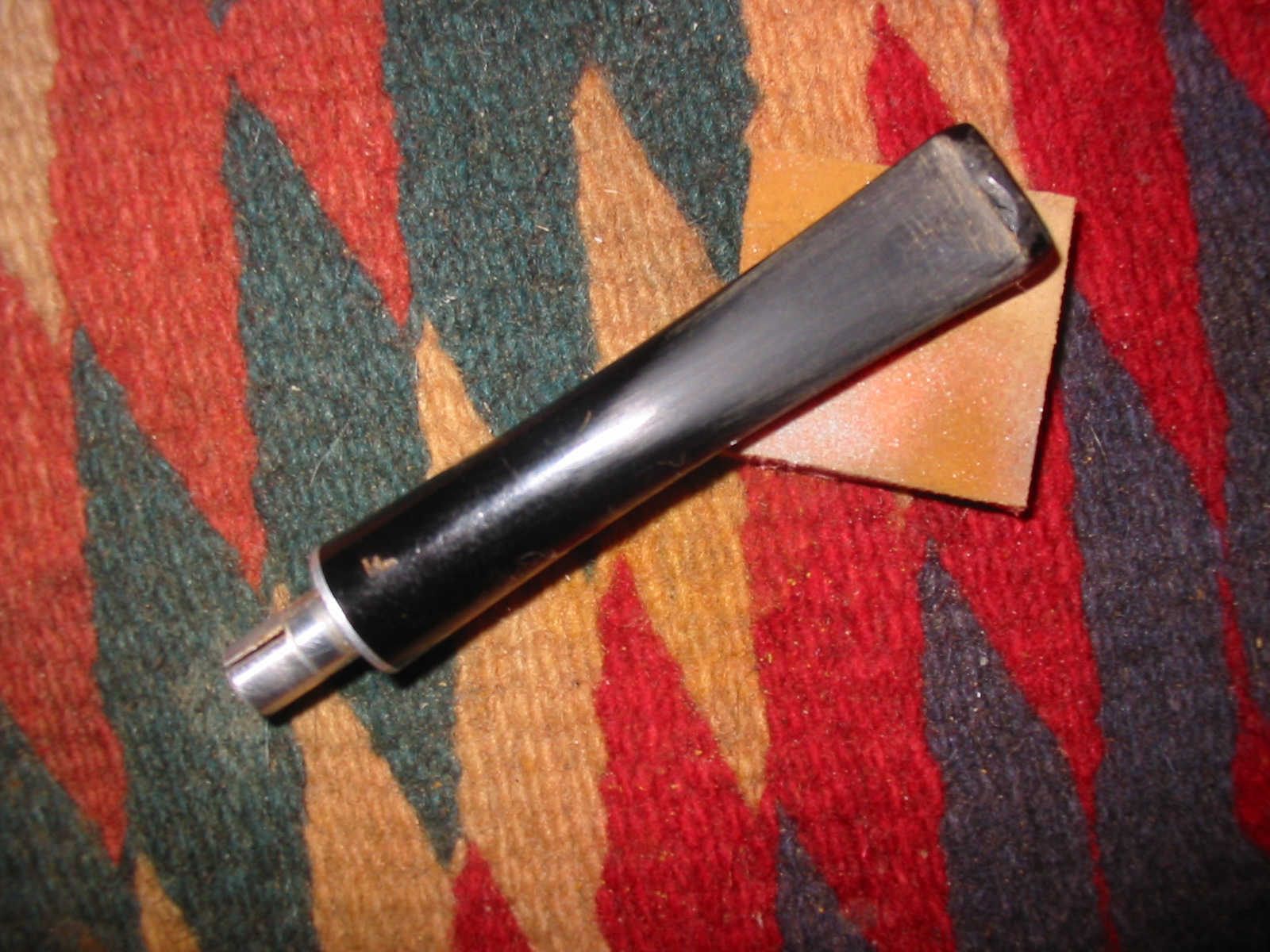
Once the glue has cured and is hard it forms a small bubble of black on the surface of the stem. I sand the bubble flat to the surface and taper of the stem. I use a 320 grit sandpaper to accomplish this sanding. At this point in the process I am not looking for shininess or polish I am only trying to blend the patch into the surface of the stem. The next five photos show the process of sanding down the bubble and the look of the resulting patch on the stem. The tooth marks are gone and in their place is a black patch that with a bit more polishing and sanding with micromesh will blend into the stem well and give a new polished look and comfortable feel to the stem.

Image

The underside of the stem. Notice the patch near the button after sanding with 320 grit sandpaper. The patch on the underside is larger than the one on top but it not as deep.

Image

The bubble of black superglue on the top of the stem. The white dust on the stem is not a problem as the bubble is dry at this point and ready to sand.

Image

The top side of the stem after the initial sanding of the bubble. It is almost smooth and needs to be wet sanded with the micromesh sanding pads.

Image

Top side of the stem after the patch has been wet sanded with 1800 grit micromesh sanding pads.

Image

The top side of the stem after the patch has been wet sanded with 1800 grit micromesh sanding pads. There are still scratches that remain in the stem on both the top and the bottom that more sanding will remove. The patch will also blend in better as the stem itself begins to shine.

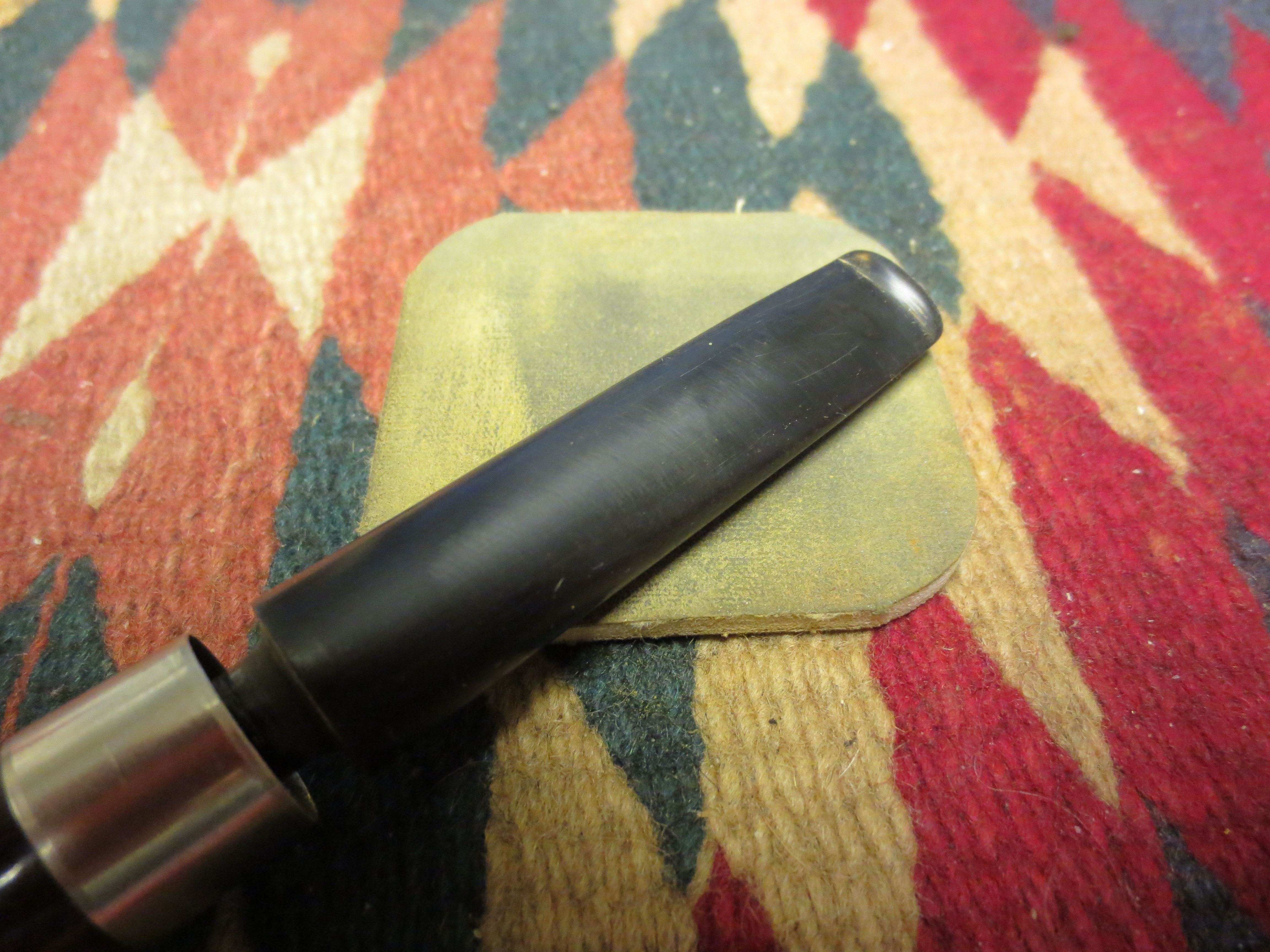
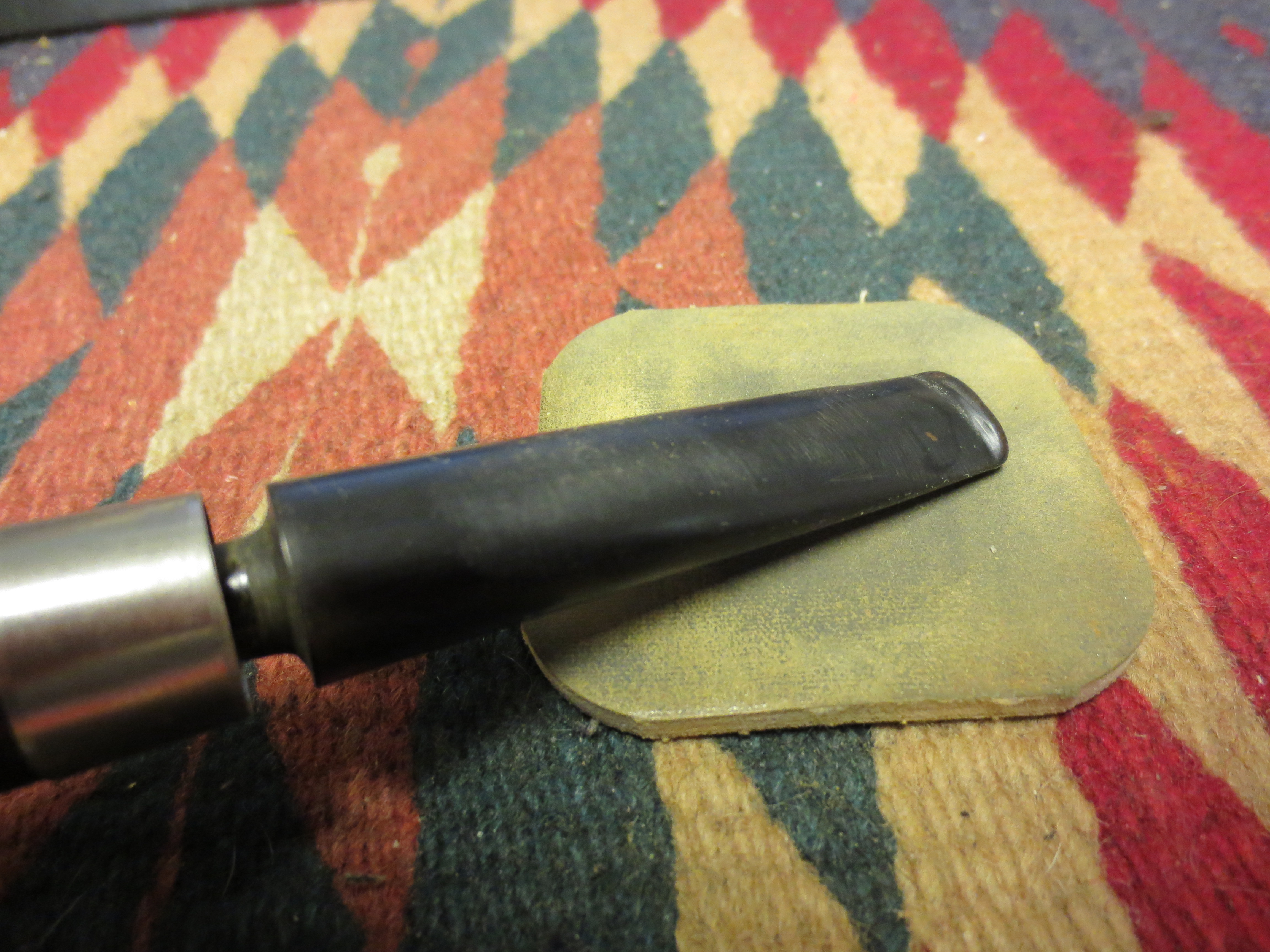
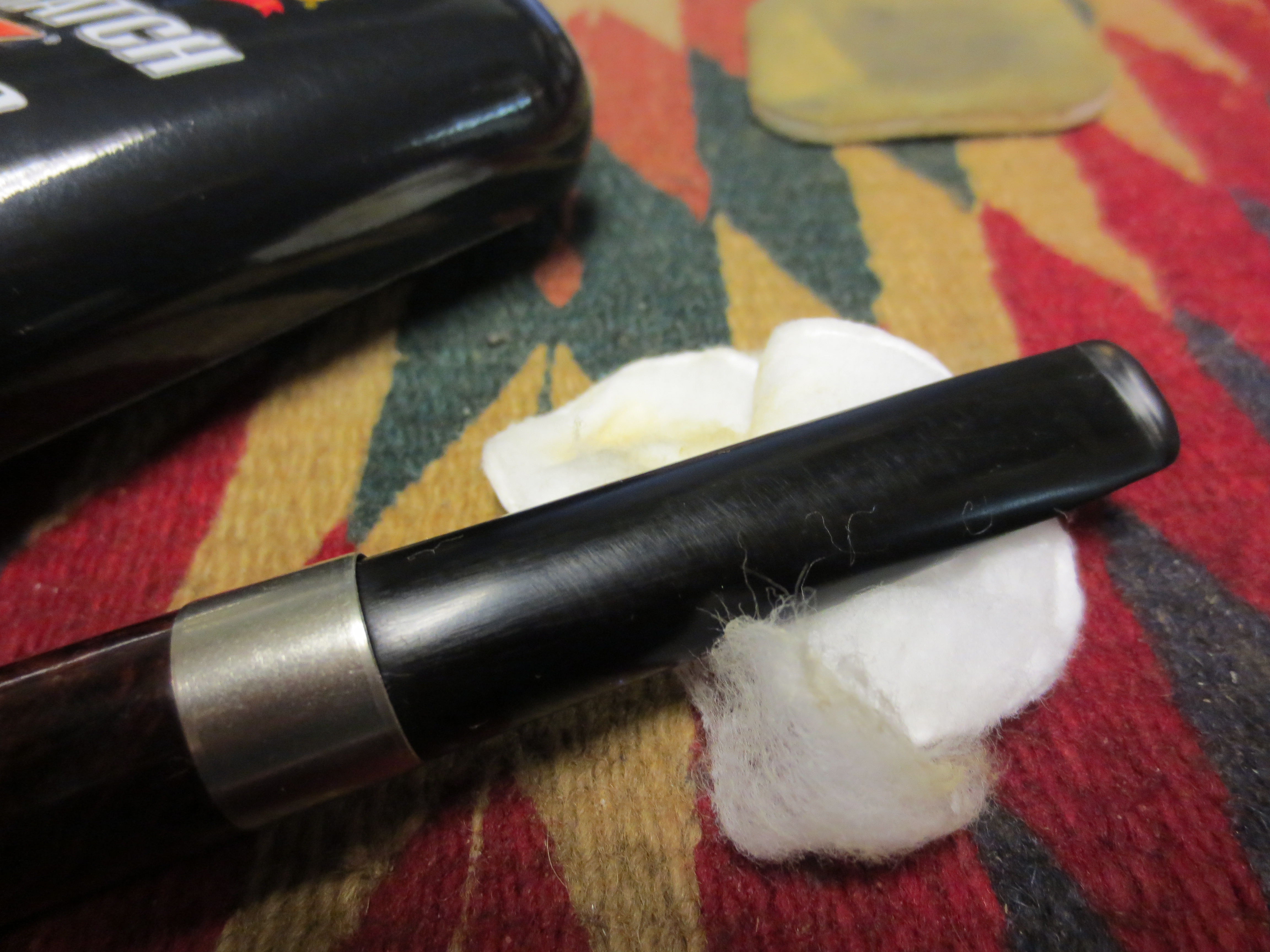
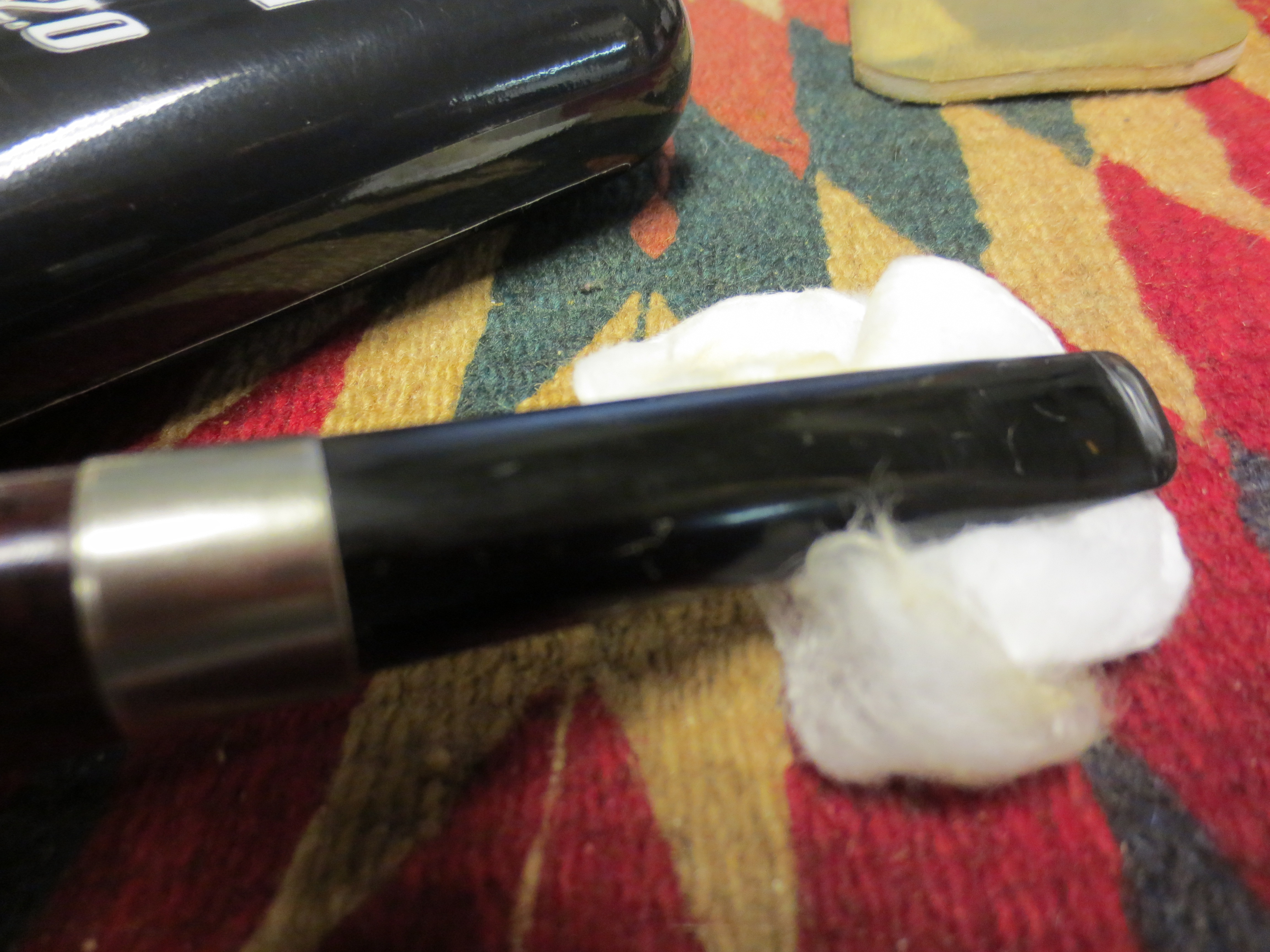
The next series of photos show the stem as I sand it with the various grits of micromesh sanding pads. Between the 2400 and the 3200 grit sanding pad I scrubbed the stem with Maguiar’s Scratch X2.0 to polish out some of the remaining scratches.

Image

The top side of the stem after wet sanding with 1800 grit micromesh sanding pads.

Image

The underside of the stem after wet sanding with 1800 grit micromesh pads.

Image

The top side of the stem after wet sanding with 2400 grit micromesh pads. The patch is beginning to be harder to see on the surface of the stem.

Image

The underside of the stem after wet sanding with 2400 grit micromesh pads.

Image

The top side of the stem after I polished it with the Maguiar’s Scratch x2.0. The patch is blending in very well on the top side. If you did not know where it was it would be hard to see.

Image

The underside of the stem after polishing with the Maguiar’s. The patch is also beginning to blend in very well on this side of the stem as well.

Image

The top side of the stem after I had dry sanded it with the 3200 grit micromesh pads.

Image

The underside of the stem after dry sanding with the 3200 grit micromesh pads.

Image

Topside of the stem after sanding with 3600 and 4000 grit micromesh pads. The patch is virtually hidden to the camera at this point as the stem begins to shine.

Image

Underside of the stem after sanding with 3600, 4000 grit micromesh pads.

Image

Top side of the stem after sanding with 6000, 8000 and 12,000 grit micromesh pads.

Image

The underside of the stem after sanding with 6000, 8000 and 12,000 grit micromesh.

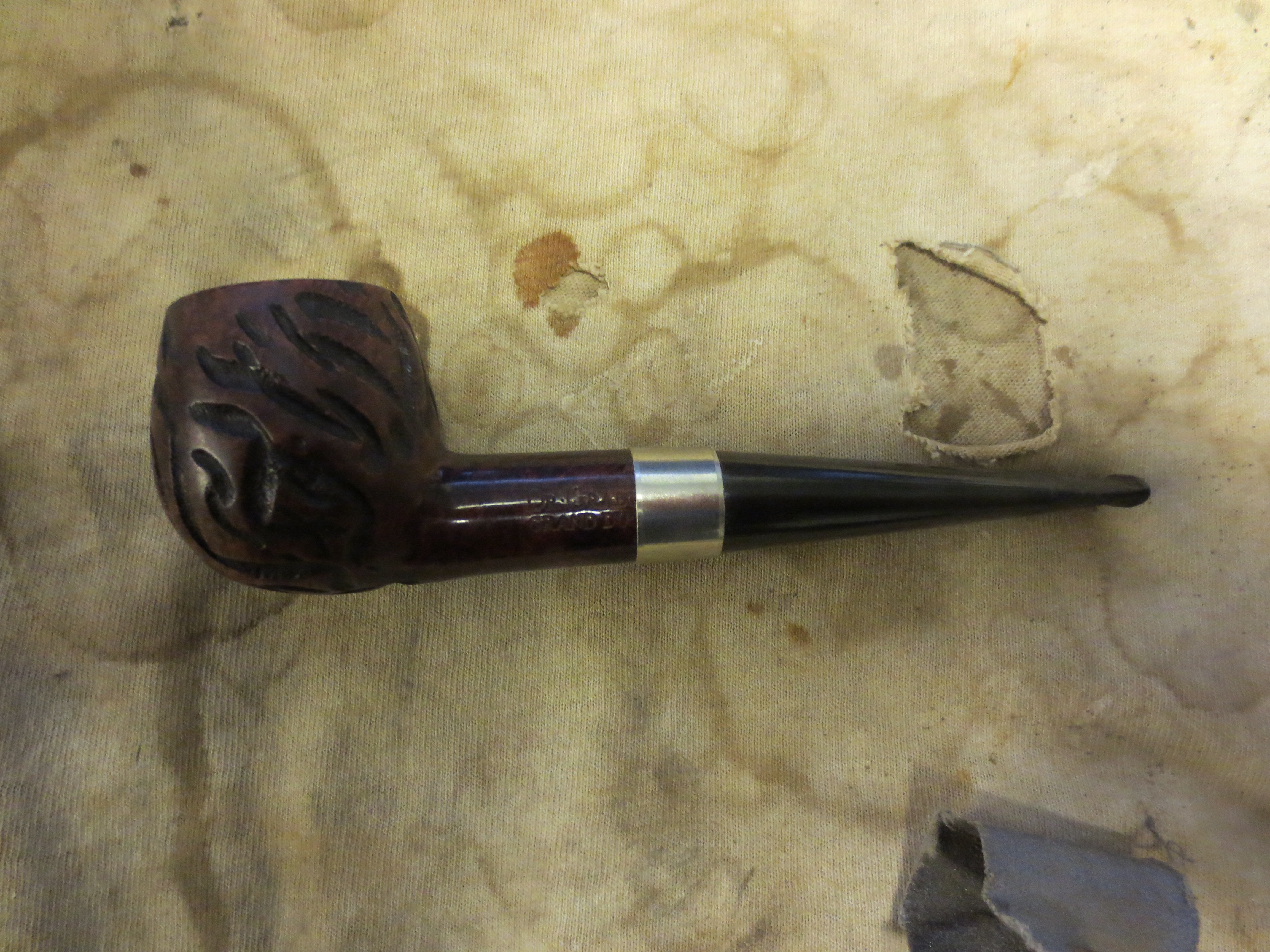
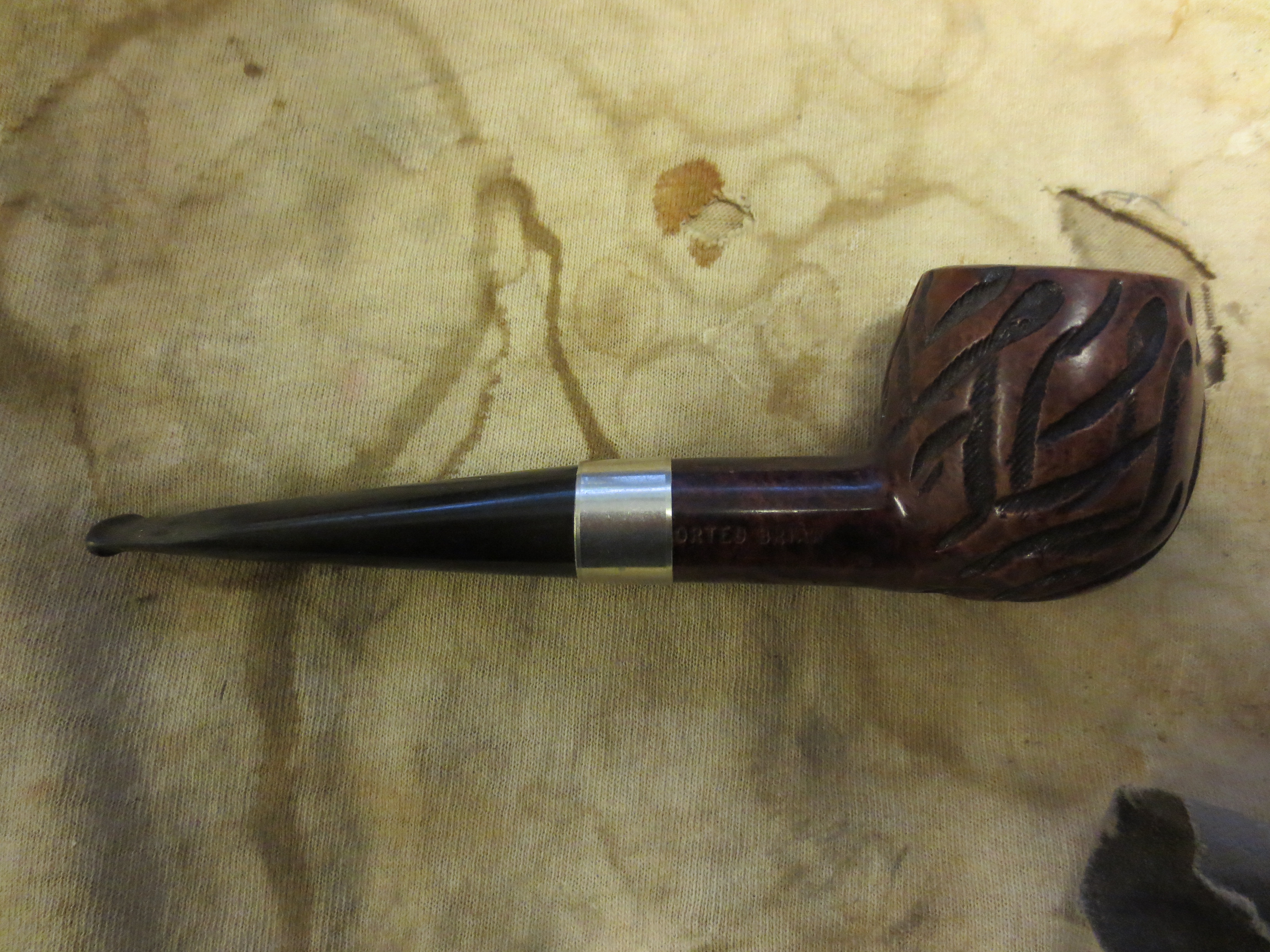
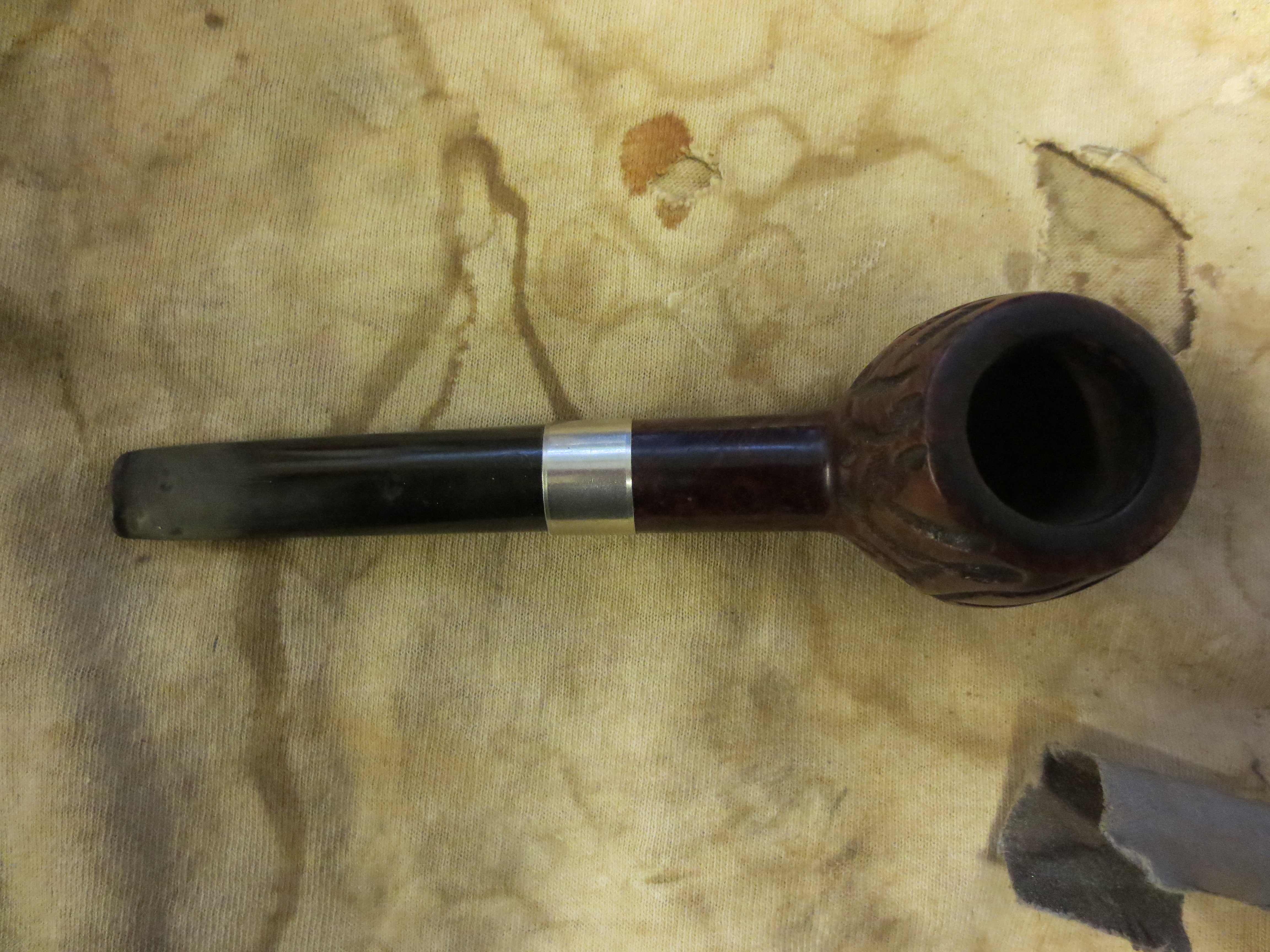
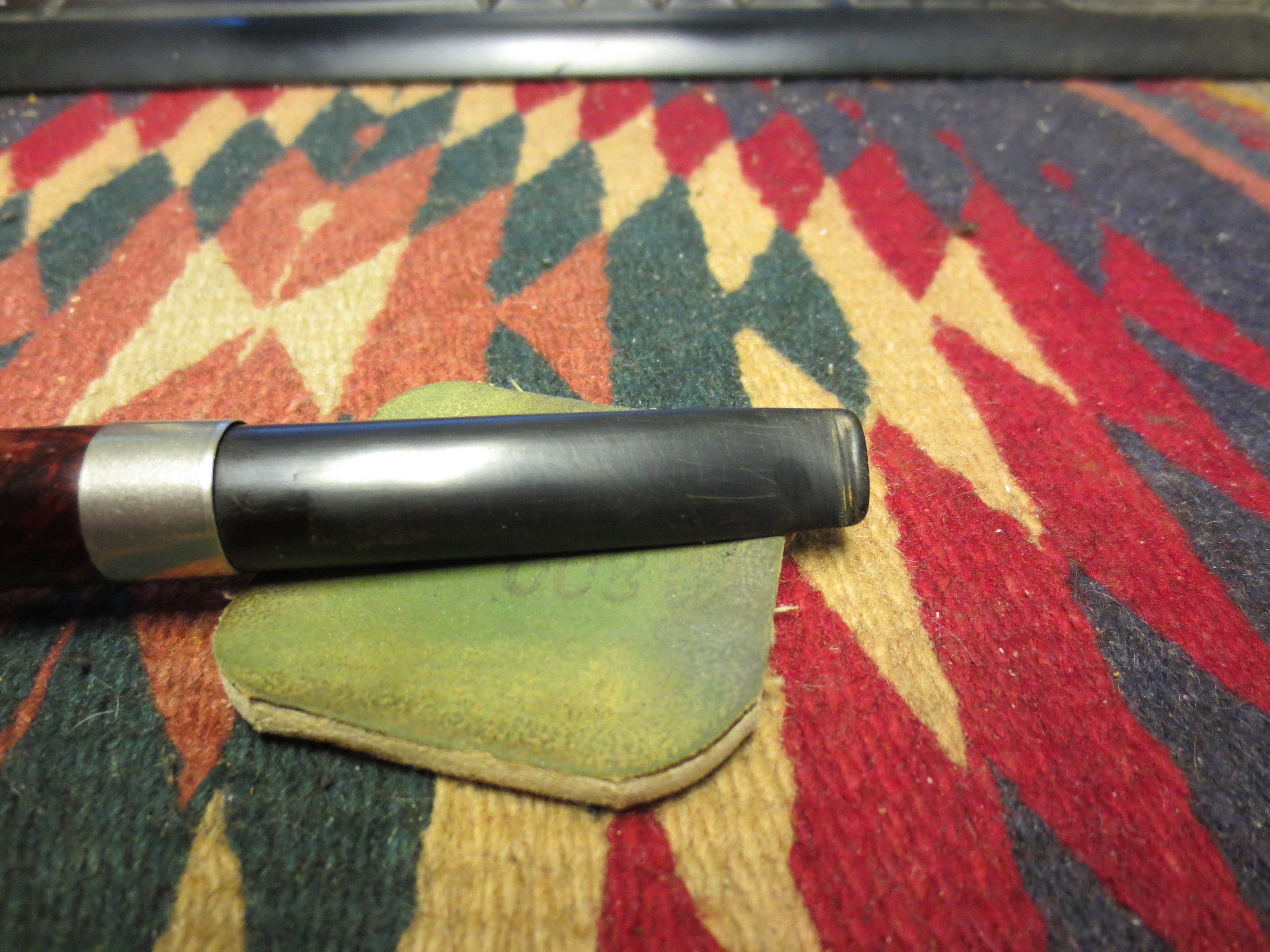
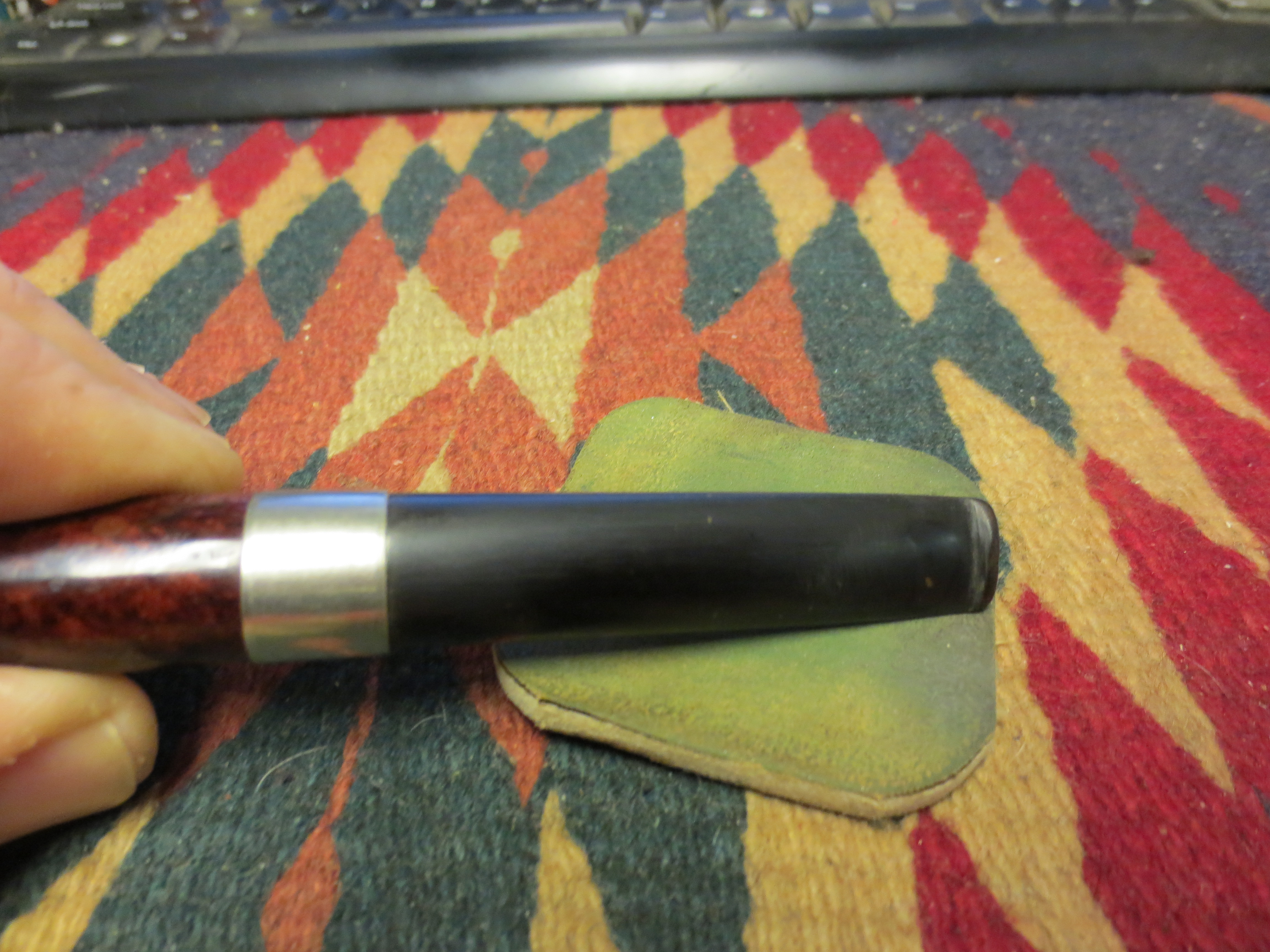
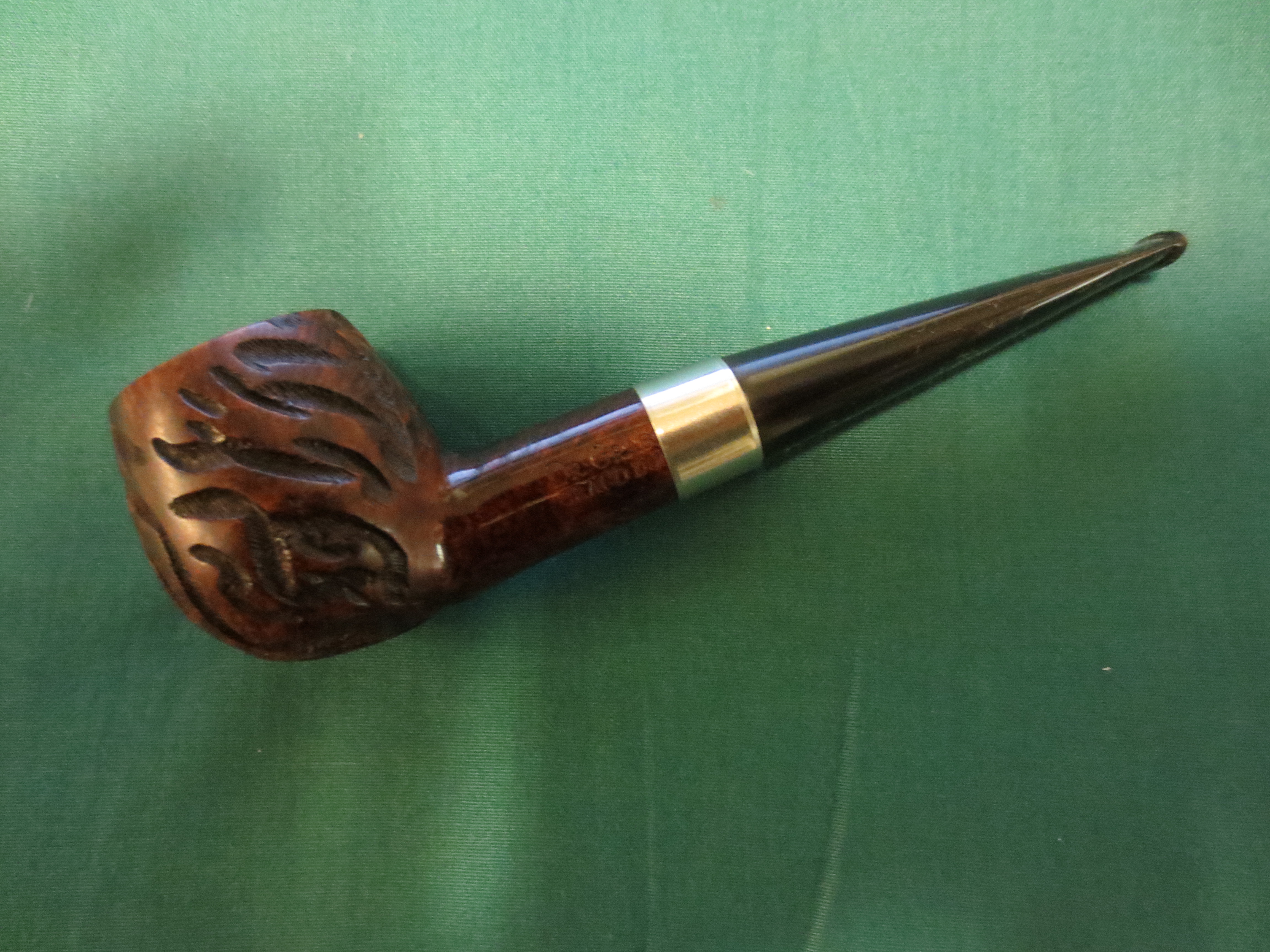
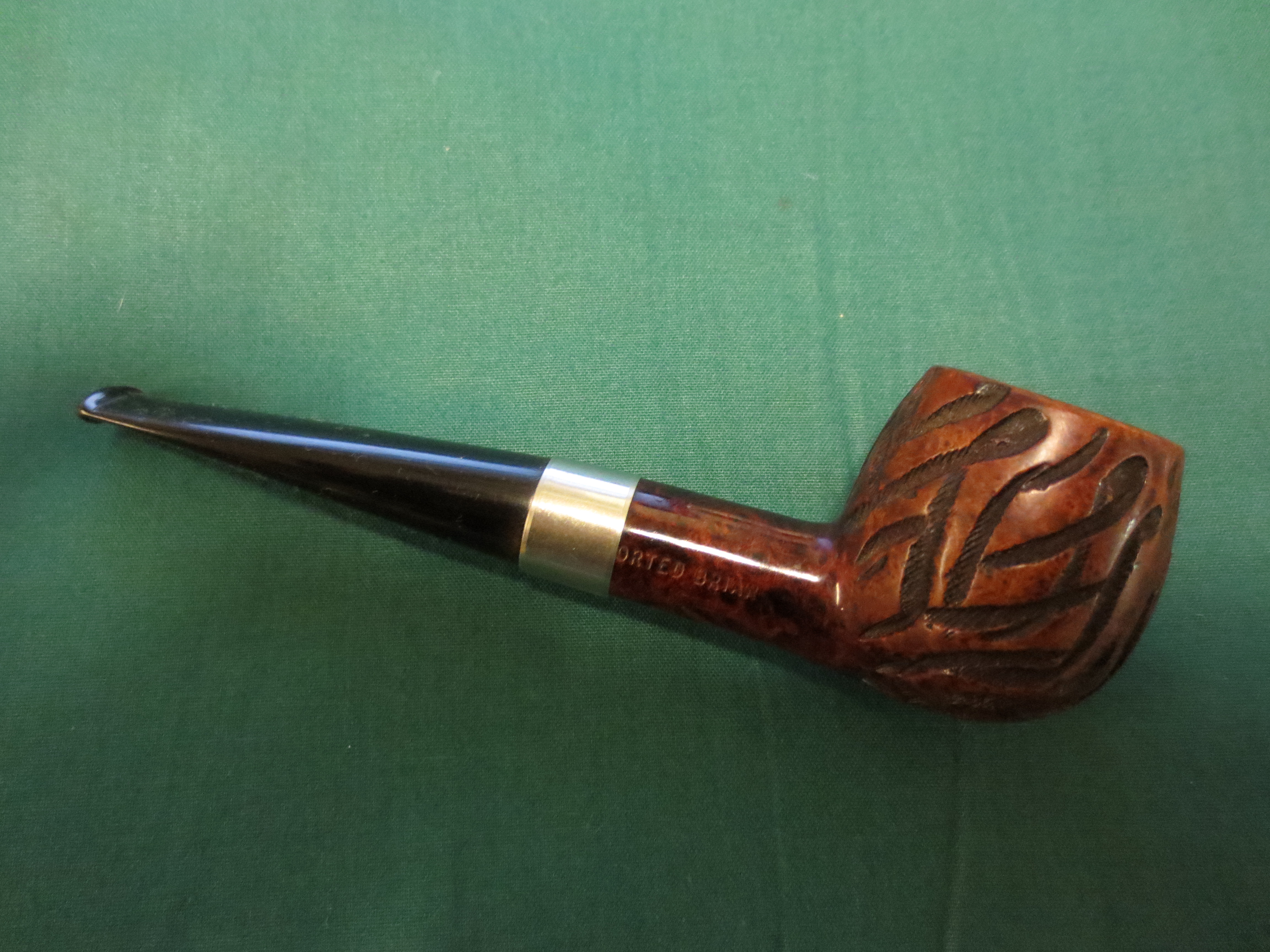
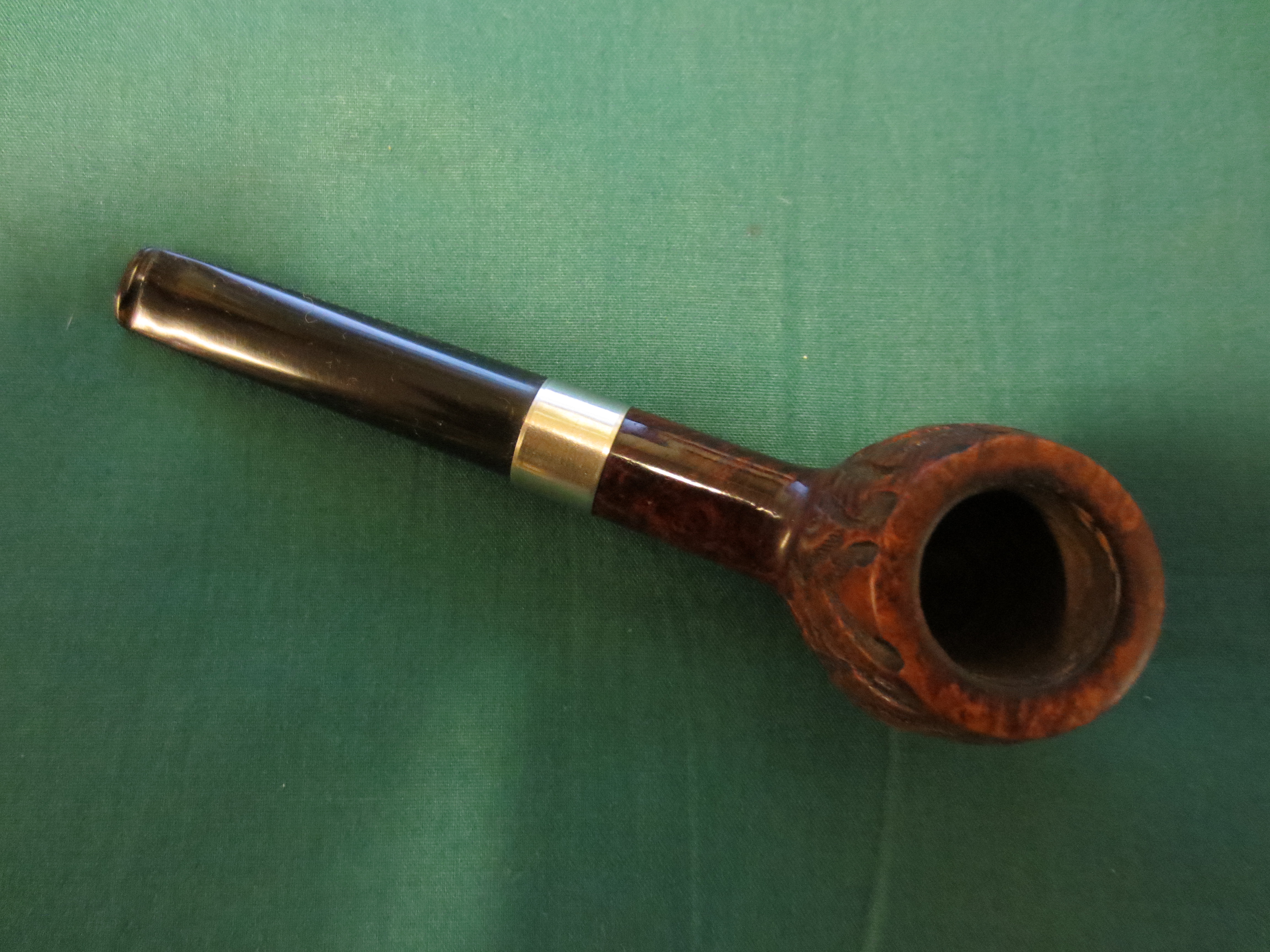
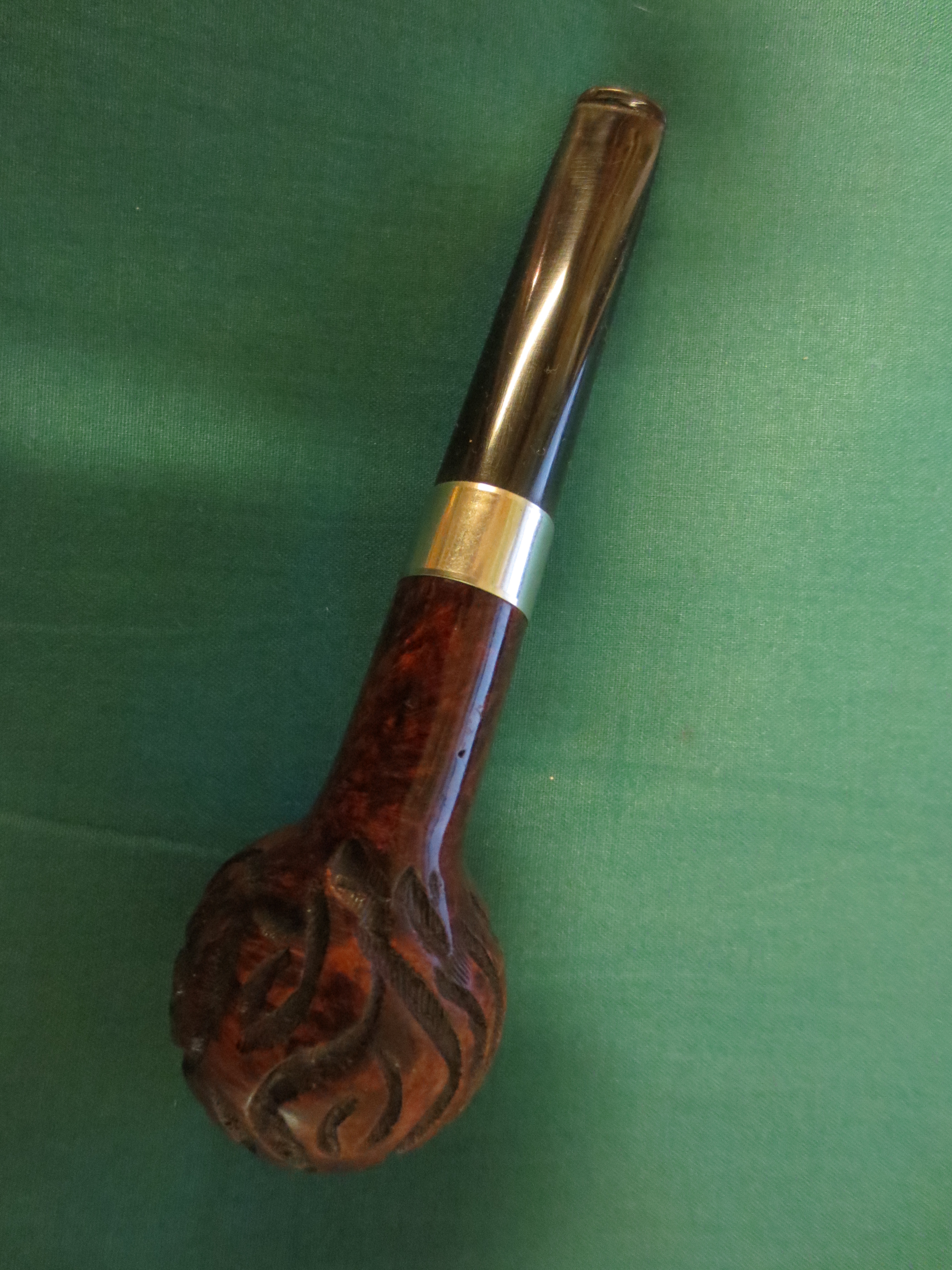
The next series of four photos show the finished pipe after buffing with carnauba wax and a soft flannel buff to give it a shine. The pipe is restemmed, repaired and ready for it next smoke.

ImageImageImageImage